


.webp)
Most planning apps are day planners with a weekly label. They show today, maybe tomorrow, and call a vertical list of the next seven days a "week view." The difference is not cosmetic. Daniel Kahneman and Amos Tversky named the planning fallacy in 1979: people underestimate how long their own work will take, even after it has burned them before. A daily list hides that, because it only ever asks about today. A weekly planner puts it in front of you, because you can see all seven days and notice that you have promised forty hours of work to a thirty-hour week.
This guide reviews eight weekly planner apps for 2026, along with the planning habits that decide whether any of them helps. We looked at voice-first tools, calendar-based schedulers, and plain task managers, and tested each against methods that have outlived every productivity fad: the weekly review from Getting Things Done, time blocking, and theme days. If you want the verdict first, the table sits right after the reviews.
How a weekly planner should actually work
A weekly planner is worth its space when it changes a decision, not when it stores a task. Four habits, each older than every app here, separate a plan that survives Monday from one you abandon by Wednesday.
Run a weekly review
The most durable habit in personal productivity is the weekly review, which David Allen built into Getting Things Done in 2001. The steps are deliberately dull. Once a week you clear your inboxes, look at every open commitment, and decide what the coming week is for. Sunsama copied the habit into software with a guided planning step, one of the few paper rituals to survive the move to a screen. You do not need an app for it. Fifteen minutes on a Friday with last week's calendar and a blank page does most of the job. Our guide on how to plan your schedule lays out a version you can copy.
Block time by theme, not by task
Cal Newport argued in Deep Work that good output gets scheduled, not hoped for. The usual trap is blocking single tasks to the minute, then feeling beaten when one runs over. Theme blocking lasts longer. You give a whole stretch of the week one job. Jack Dorsey ran his companies on theme days, handing each weekday a subject so he switched context less. The idea works at small scale too: deep work in the mornings, calls on Tuesday afternoon, Friday for admin and the review. Inside a theme you can swap tasks around without breaking the plan, and a real weekly view is what keeps the themes in sight. Voiset, Motion, and Sunsama all handle theme-style weekly blocking; the auto planning page shows how Voiset does it.
Plan to about sixty percent, keep the rest as buffer
Because of the planning fallacy, a week booked to the last minute breaks at the first surprise. A workable rule is to commit about sixty percent of your hours and hold the rest for the fire you did not see coming, the call that runs long, and the task you got wrong. Akiflow and Motion make this easy to read, since both drop tasks onto a calendar where empty space is plain to see. Paper works too, as long as you stop yourself filling every line.
Keep the daily step small
A weekly plan still needs a daily touch, and smaller is better. The Ivy Lee method, a routine from 1918 that writers keep rediscovering, is about as lean as it gets: at the end of the day, write the six most important things for tomorrow in order, then start at the top. On top of a weekly plan it takes two minutes. With a voice-first tool you can run it out loud while you close the laptop, which removes the last reason to skip it.
The 8 best weekly planner apps in 2026
We sorted these by the job they do best, not by how big the brand is. For the wider category, our roundup of the best AI schedule makers goes past weekly planning alone.
1. Voiset, the voice-first weekly planner
.webp)
Best for: planning a whole week by speaking, including founders, freelancers, and anyone with ADHD who loses a task before it reaches the list.
Voiset starts somewhere different from everything else here. Instead of typing into forms, you make tasks and notes at the speed of speech. You say what needs to happen and when, and it drops the item onto your weekly view with a time. That counts for more than it sounds, because the real bottleneck in weekly planning is capture, and the fastest capture anyone has is their own voice. A thought said in three seconds does not get lost on the walk back to your desk.
On top of voice, Voiset plans the week for you. When a deadline slips or a day fills up, it moves tasks into open slots instead of leaving a wall of overdue items, which is how most planning apps quietly die. It also links to your assistant through an MCP connection with Claude, so you can add, move, and review a week in plain language. The full feature list sits on the AI personal planner page. If you plan around ADHD in particular, we go further in our ADHD planner comparison.
The trade-off: voice-first input is a change of habit, and people who like a silent, keyboard-only flow may need a few days to settle in. It is the only tool here built around voice as the main way to plan.
2. Sunsama, the guided weekly ritual
.webp)
Best for: people who want an unhurried, structured planning ritual each morning and each week.
Sunsama is built around intent. It walks you through a guided daily flow, has a weekly objectives view, and includes the review step described above. It pulls tasks from your other tools and asks you to commit to a realistic day instead of an ambitious one. The catch is pace and price. It sits at the higher end, and capture means typing or dragging, not speaking, so it pays off for people who already enjoy the ritual.
3. Akiflow, the command bar power tool
.webp)
Best for: power users who want every task source funnelled into one fast inbox.
Akiflow pulls tasks from dozens of tools into a single command bar, then blocks them onto a calendar. Keyboard shortcuts run the whole app, and once they are in your hands, capture is quick. The weekly calendar is clear, and Akiflow is unusually good at turning scattered inputs into booked time. It assumes you live in a desktop app, and it is priced for professionals rather than casual planners.
4. Motion, the automatic scheduler
.webp)
Best for: people and teams who would rather software build the schedule than build it themselves.
Motion leans hard on automation. You hand it tasks, lengths, and deadlines, and it lays out the week and rebuilds it whenever something shifts. The weekly calendar is the heart of the product. Powerful, and for some people a real relief. It can also feel rigid when you want to overrule it, and it sits at the higher tier. For a side-by-side with a voice-first take on the same problem, see our Voiset versus Reclaim comparison.
5. Todoist, the dependable list
.webp)
Best for: people who want a clean, fast task list on every device.
Todoist is quick, steady, and on nearly every platform. Type "next Monday 9am" and it reads straight into a dated task. For weekly planning it gives you an upcoming view rather than a true time-blocked calendar, so you see what is due across the week without seeing how it fits your hours. A fine list and a lighter planner, with a free tier that actually works.
6. Notion, the build-it-yourself workspace
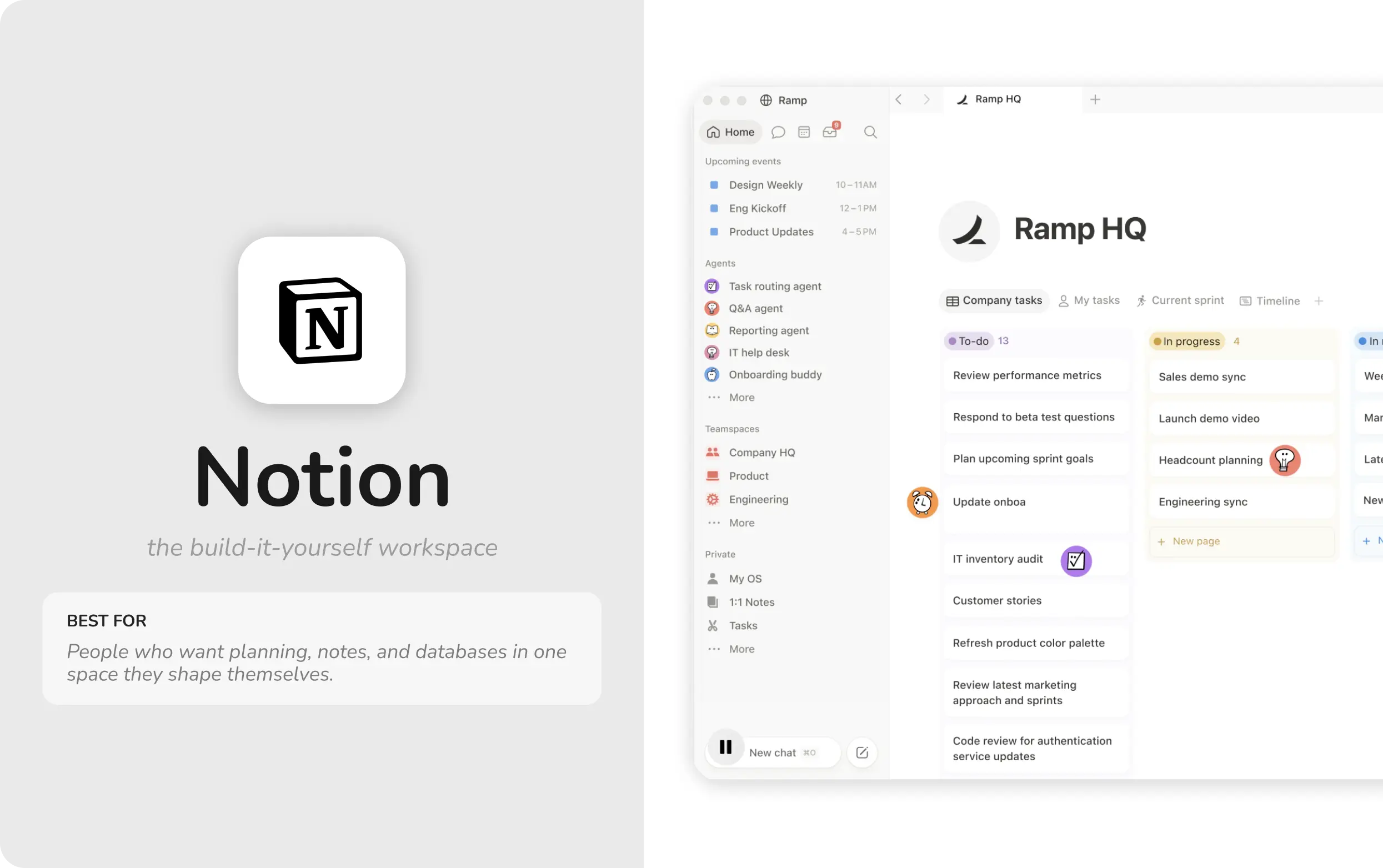
Best for: people who want planning, notes, and databases in one place they shape themselves.
Notion is not a weekly planner out of the box. It is a kit for building one. With a calendar database and a couple of views you can put together a weekly board that matches how you think, and the community has shared thousands of templates if you would rather borrow than build. The price is setup and upkeep, and a system only as steady as the template under it. Automatic scheduling needs outside add-ons.
7. TickTick, the budget all-rounder
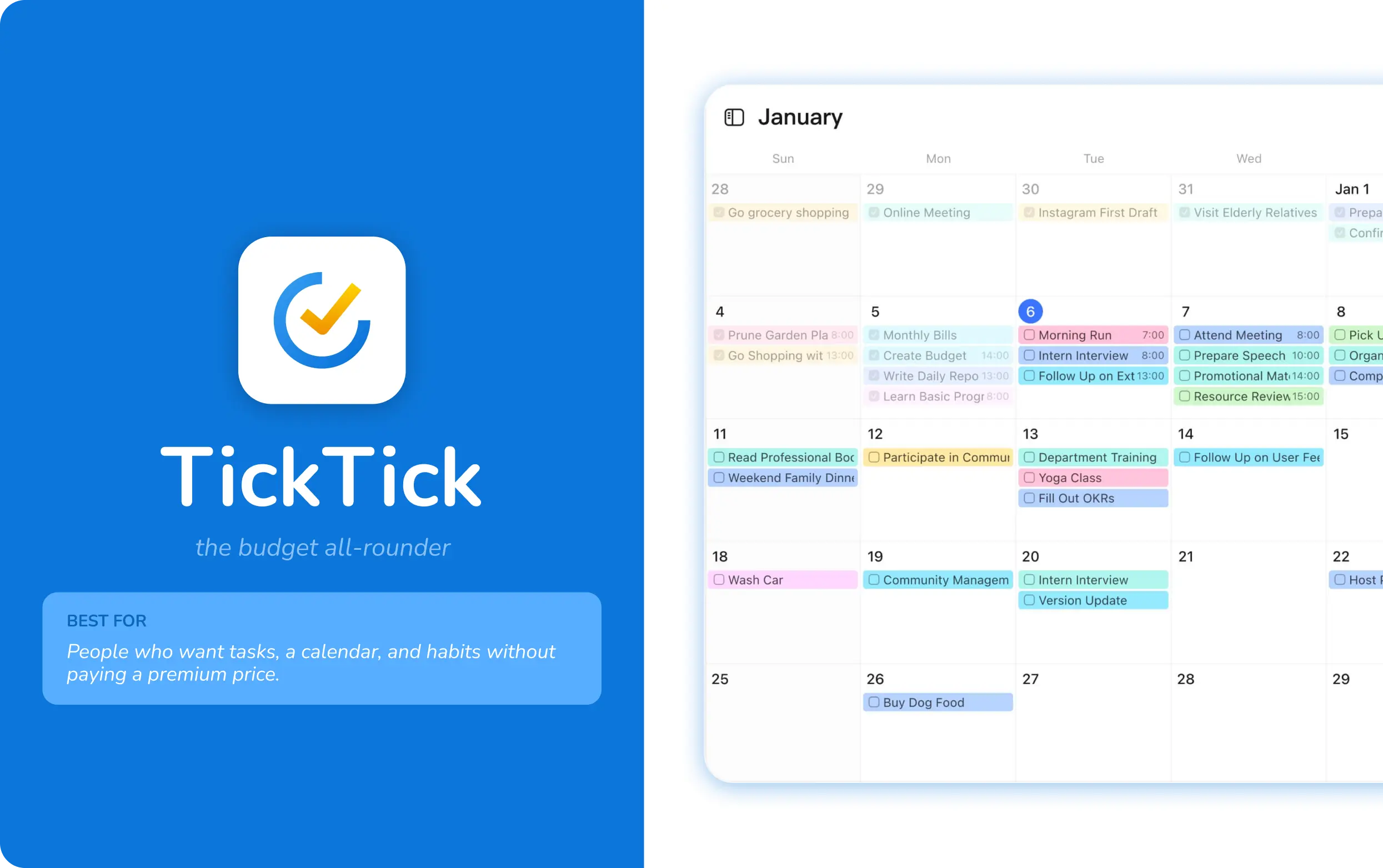
Best for: people who want tasks, a calendar, and habits without paying a premium.
TickTick fits a lot into a low price: tasks, a calendar view, a built-in Pomodoro timer, and habit tracking. The weekly calendar is solid, and there is basic voice capture on mobile. For one person who wants a single app doing several jobs and does not need real auto planning, it is the best value here.
8. Reclaim.ai, the calendar defender
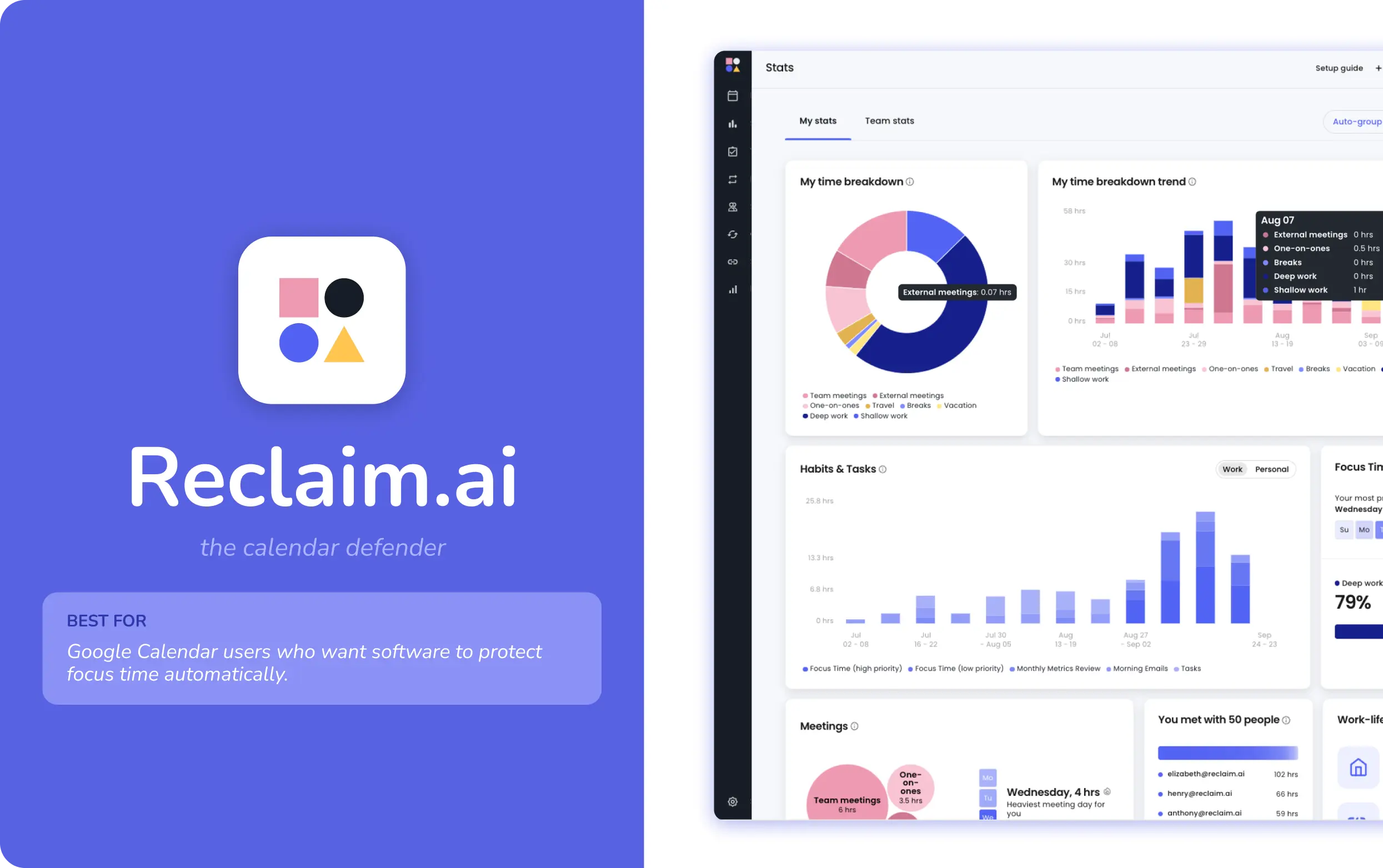
Best for: Google Calendar users who want software to guard focus time on its own.
Reclaim lives inside your calendar and finds and holds time for tasks, habits, and breaks across the week. It is very good at stopping focus blocks from being eaten by meetings, the same problem the sixty percent rule solves by hand. It is less a standalone planner than a smart layer over a calendar, and it is most at home with Google Calendar teams.
Weekly planner apps compared at a glance
How to set up your weekly planning routine
The tool matters less than the routine you run on it. The steps below work in any app above, take about twenty minutes once a week, and a couple of minutes a day.
- Fix a weekly planning slot. Friday afternoon or Sunday evening both work. What matters is that it never moves, so it stops being a decision and becomes a default.
- Close the week that ended. Note what got done, what slipped, and why. A slipped task is either rescheduled on purpose or dropped, never carried quietly into a fourth week.
- Pick three outcomes for next week. Not thirty tasks, three outcomes. Everything else serves them.
- Theme block before you task block. Give parts of the week a purpose first, then drop tasks into the matching theme.
- Protect buffer and recovery. Leave gaps on purpose and keep at least one evening free. The buffer is the plan, not a failure of it.
- Run a two-minute daily reset. Each morning, look at the day, move anything you cannot really do, and start. A voice-first tool lets you do this out loud while the coffee brews.
A worked example helps. A freelance designer on this routine might theme Monday and Tuesday mornings for client work, Wednesday for her own portfolio, Thursday for calls and invoicing, and Friday morning for the review. Her three outcomes for the week: a finished brand guide, two proposals sent, a clear inbox. When a client moves a deadline on Wednesday, the buffer she left on Thursday takes the hit instead of the whole week. If your weeks tend to spin out before you can plan them, our piece on mastering chaos goes deeper on getting back in control, and the guide on creating a family schedule in Google Calendar pairs a shared calendar with a personal weekly plan.
Paper vs digital weekly planner
Paper still has real strengths. Writing by hand helps memory, a paper page has no notifications, and the effort of rewriting a task you keep dodging is its own honest signal. Ryder Carroll's Bullet Journal is the clearest case of paper done well: a weekly spread, a future log, and a short migration step that makes you decide whether an unfinished task is still worth doing. For a fixed, low-change week, that can be the whole system.
Digital planners win the moment the week turns dynamic. They reschedule slipped tasks for you, sync across phone and laptop, send reminders, and let you catch an idea the second it lands rather than at the next time you sit down with a notebook. Voice-first capture closes the one gap paper held onto, the speed of getting a thought out of your head, because speaking beats writing and easily beats thumb-typing on a phone.
A common middle path is a paper page for the three weekly outcomes and a digital app for the moving parts. If you are leaning digital, set the routine up in your tool of choice and let it carry the moving parts while paper holds the three outcomes.