
Just say what needs to get done. Voiset figures out the deadline, priority, and where it fits in your day. Works in 55 languages.
Speaking is faster than typing, so you can capture ideas the moment they happen.

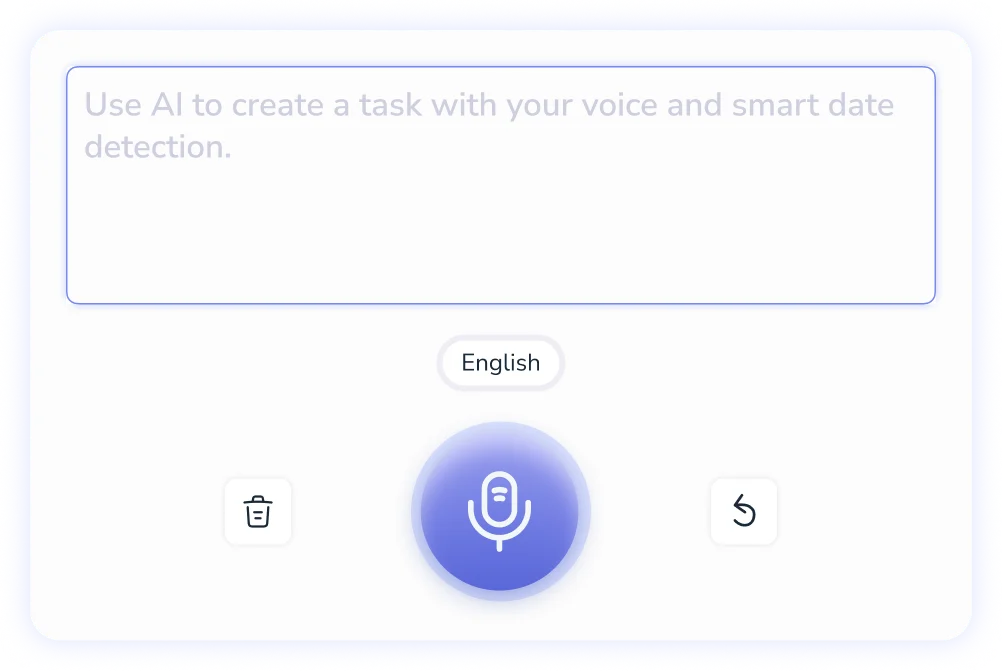
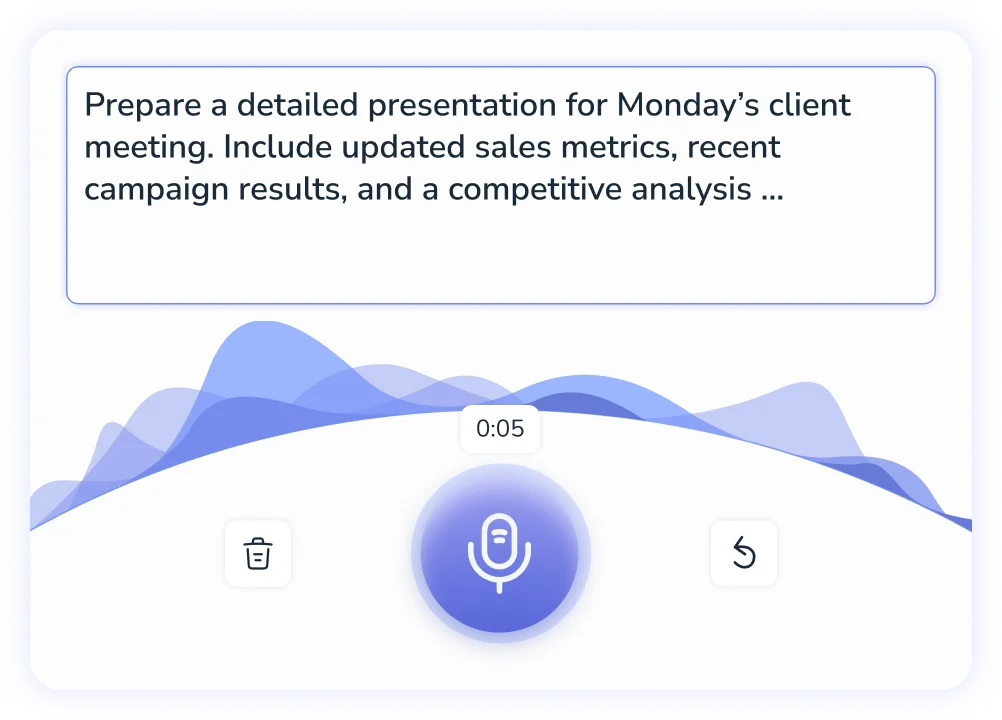
Adding tasks by voice is the fastest way to get things out of your head and into your schedule. You don't need to open a specific menu, pick a date from a calendar, or type anything at all. Just tap the mic, say what needs to happen, and Voiset handles the rest: deadline, priority, and calendar slot included.
Start Managing Tasks by Voice
.webp)
Break down language barriers with Voiset's powerful translation feature. Our platform supports translation into 55 languages, allowing you to speak your task or note in one language and instantly receive the description in another.

Dictate in your language, manage in any other

Works where your team is

Same speed, any language
Voice input works just as fast in Arabic, Portuguese, or Japanese as it does in English.
.webp)
For many people with ADHD, the biggest productivity killer isn't laziness: it's the gap between thinking and doing. By the time you open an app, find the right field, and start typing, the thought is gone. Voice task creation closes that gap. Tap, speak, done, in under five seconds. See how Voiset works as an ADHD-friendly planner
Real estate agents don't have time to stop and type. Between showings, calls, and client follow-ups, things fall through the cracks. Just say what needs to happen while you're still in the car. Voiset schedules it before you get to the next property.
More on how it works for real estate agents
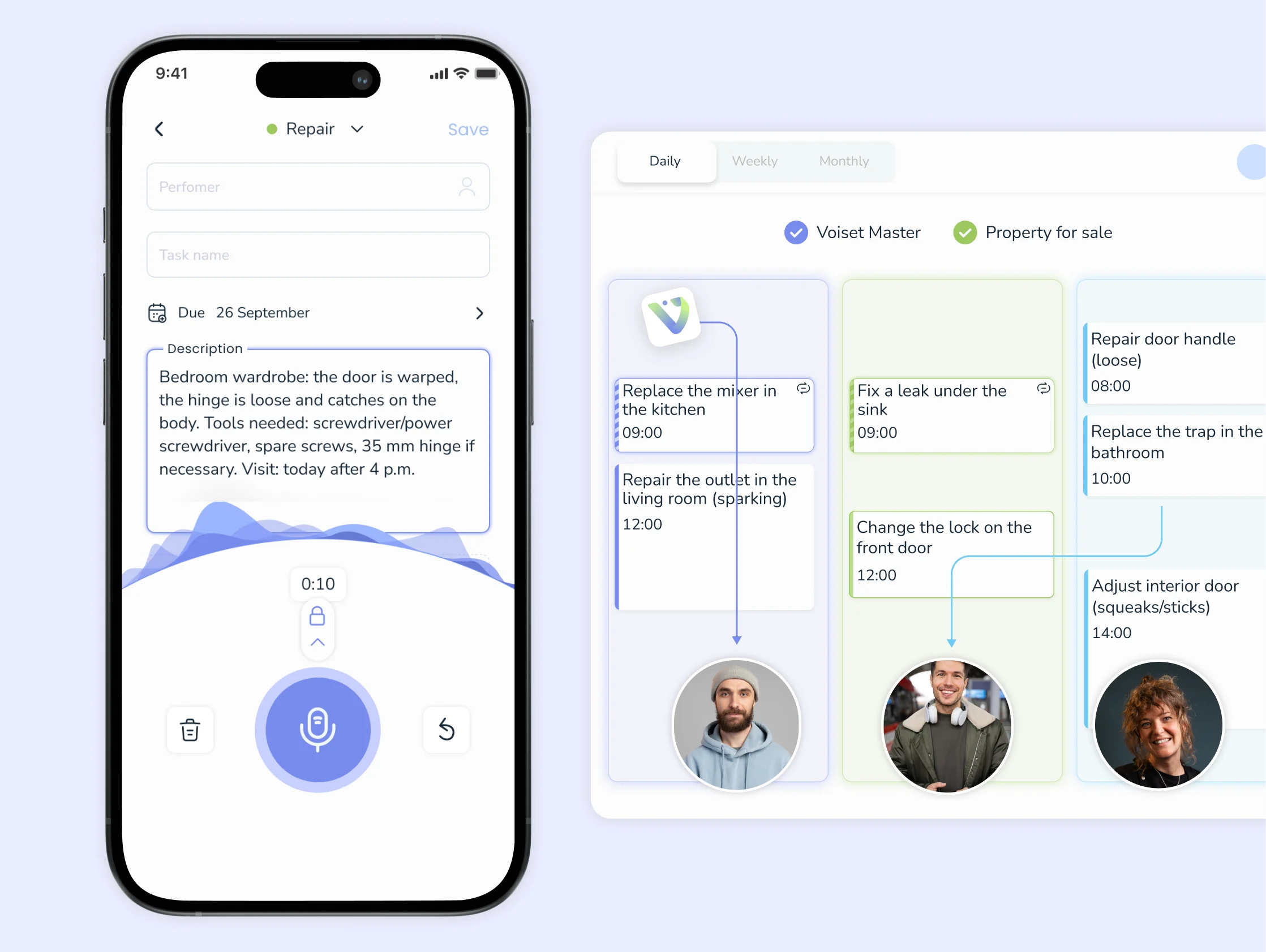
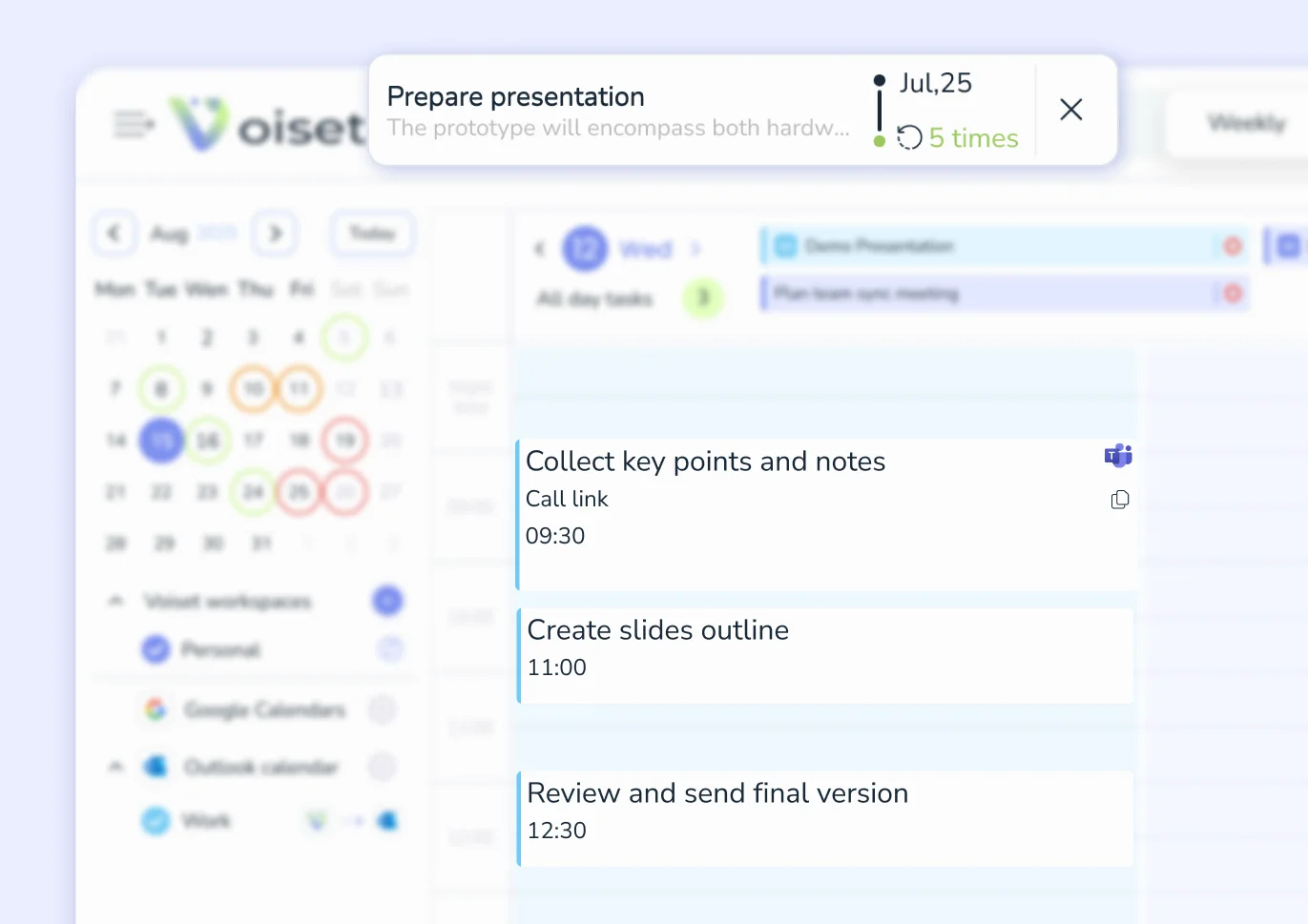
Unlike voice recorders or transcription apps, Voiset doesn't just save what you said. It turns your voice note into a structured task, with a deadline, a priority level, and a place in your calendar.
Learn more about AI Notes

1. Open the mobile app
Your phone is always there for you, anywhere and anytime


2. Press the record button and talk
Use voice input so your hands and head are always free.

3. Get a text description
Not comfortable listening to a recording? The text description is always with you.
Try it now
Get An App


01
Dictate a task in your language and get instant translation into another language.
02
Don't miss anything important when deadlines are burning. Anywhere, anytime, keep a balance between work and personal tasks.
03
Efficiently distribute tasks among your executives, consider everyone's workload with a smart calendar.

Open Voiset on your phone or desktop, tap the mic button, and say what you need to get done. You can be as casual as you want, mention a deadline, a time, or a person if it's relevant. Voiset picks all of that up and turns it into a structured task. No forms, no dropdowns, no manually setting a due date. Once you're done talking, the task is already in your schedule.
A voice recorder saves audio. A transcription app saves text. Voiset actually understands what you said: it identifies the task, figures out when it needs to happen, sets a priority, and places it in your calendar. The difference is what you end up with. A recording you have to listen back to later, or a task that's already scheduled and ready to go.
Yeah, completely. You don't need to learn any commands, use specific phrasing, or structure your sentence in a particular way. Just say it like you'd tell a coworker, "get back to Mark about the budget before Friday" works just as well as anything more formal. Voiset is built to understand natural speech, not robotic input.
Voiset supports voice input in 55 languages, with real-time translation between them. So if you're more comfortable thinking and speaking in one language but your team works in another, that's not a problem. You speak your language, your tasks show up in theirs. It's one of the things that makes Voiset genuinely useful for international teams and people who switch between languages throughout the day.
A lot of our users with ADHD use voice input specifically because of how fast it is. The hardest part of any task management system is the gap between having the thought and actually capturing it, and for ADHD brains, that gap is where everything gets lost. One tap, say it out loud, done. The thought is captured before it disappears, and Voiset structures it so you don't have to decide where it goes or what to call it. If you want to dig into that more, we put together a separate guide for ADHD-friendly planning.

