
Tasks without a plan are like Lego without the instructions. Everyone has the tasks, but every morning you rebuild the plan by hand. Tell Voiset what needs to happen, and the AI daily planner places each task into a free slot in your calendar, around your meetings, and moves what you didn't finish.
Start planning todaySuccessful people always rely on a clear plan from morning to night.
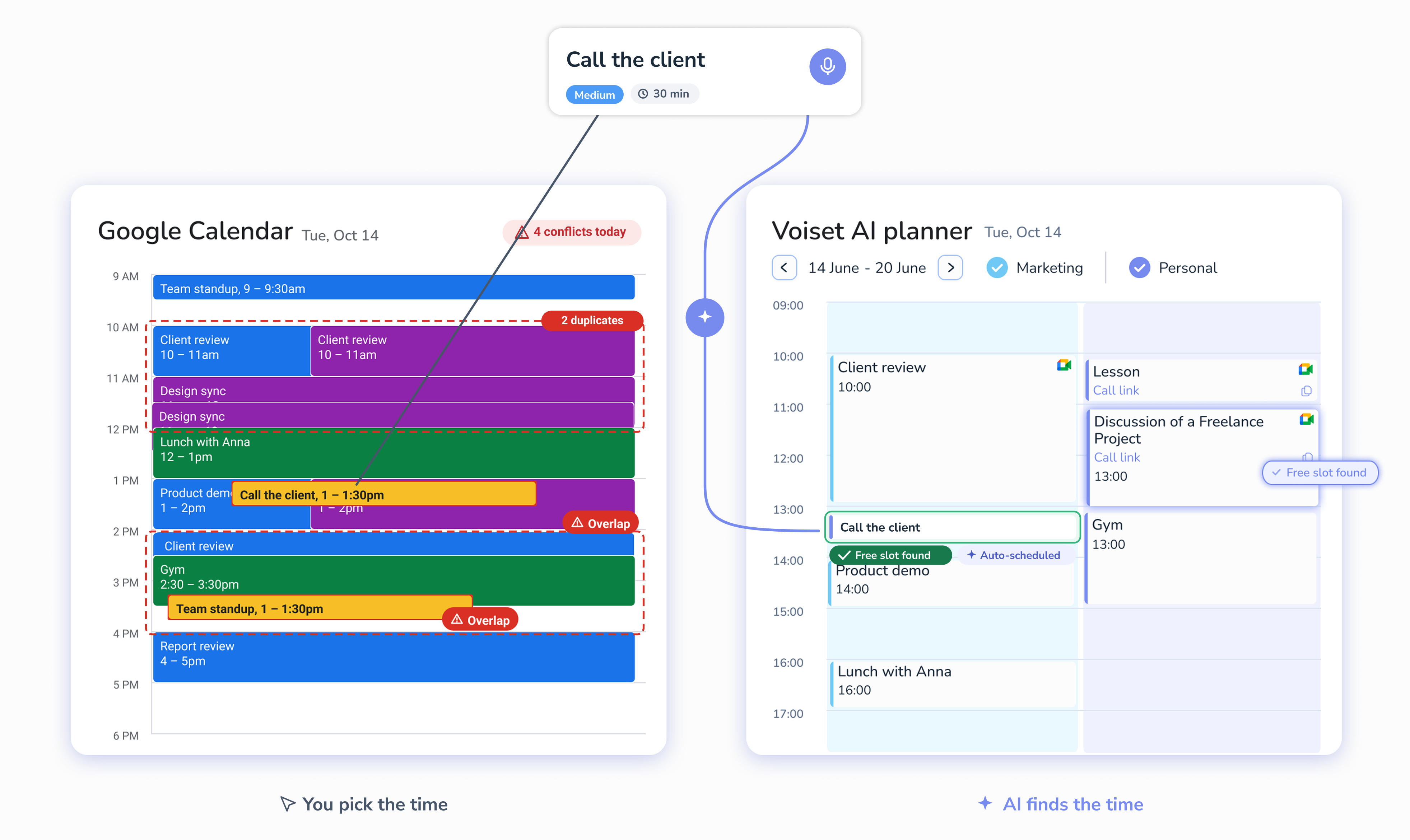
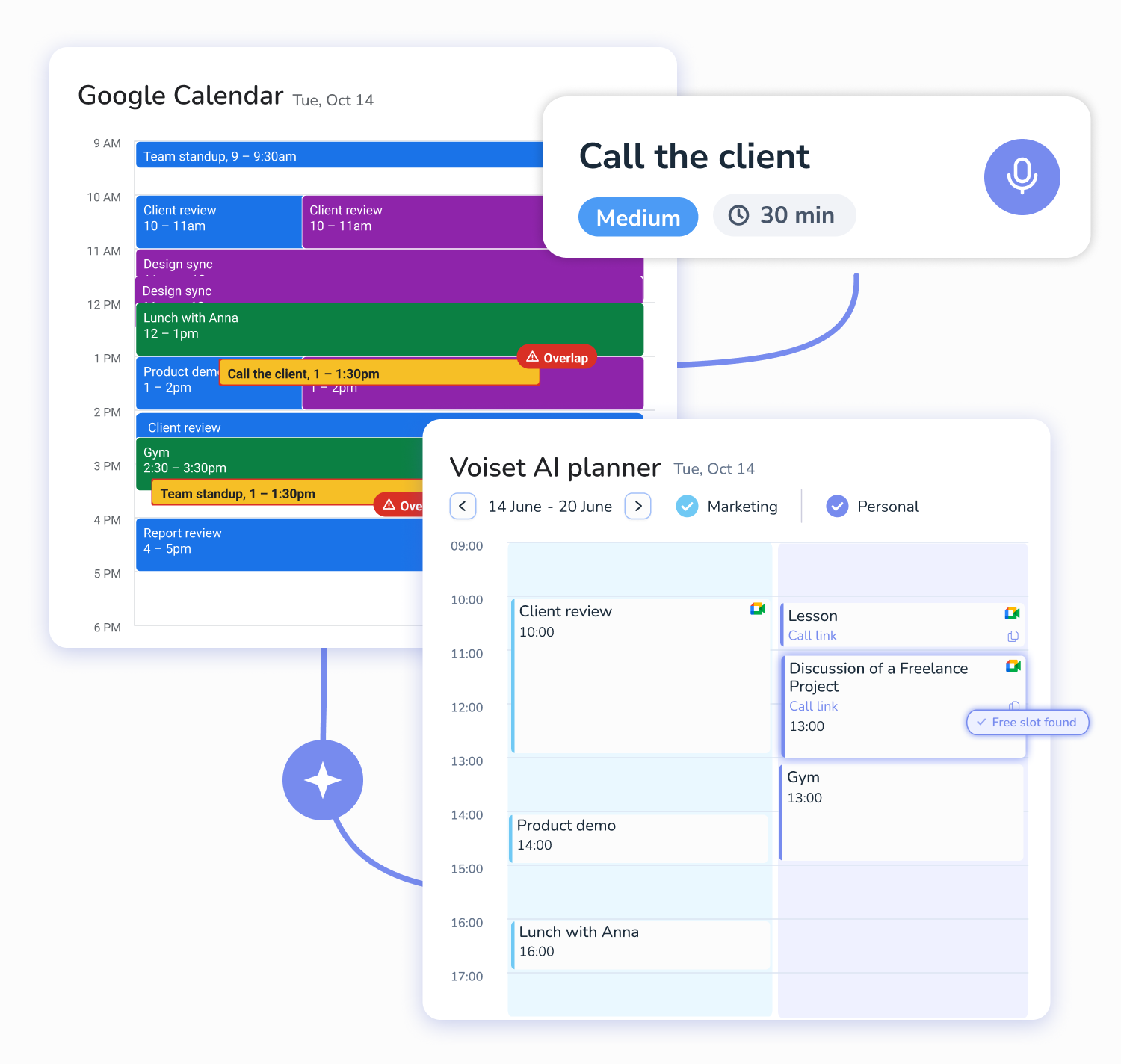
Passive or active planning. That's where the gap is.
In a regular planner, you do everything by hand, and it doesn't matter if it's paper or an app. Even Google Calendar and Apple Calendar work this way: you create an event, put it somewhere, and nobody checks if your day is already full. An AI planner works more like a personal assistant. It sees your whole day and suggests where each task fits best. Keep your Google Calendar. Voiset adds the part it's missing.
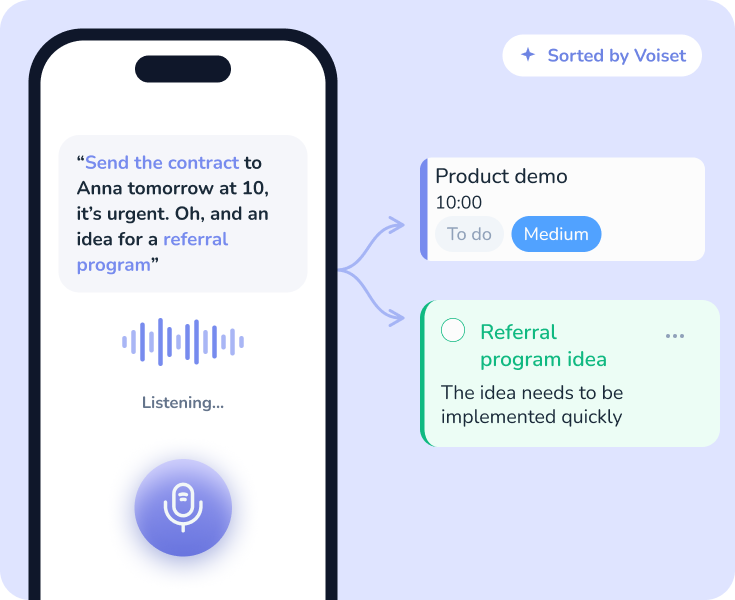
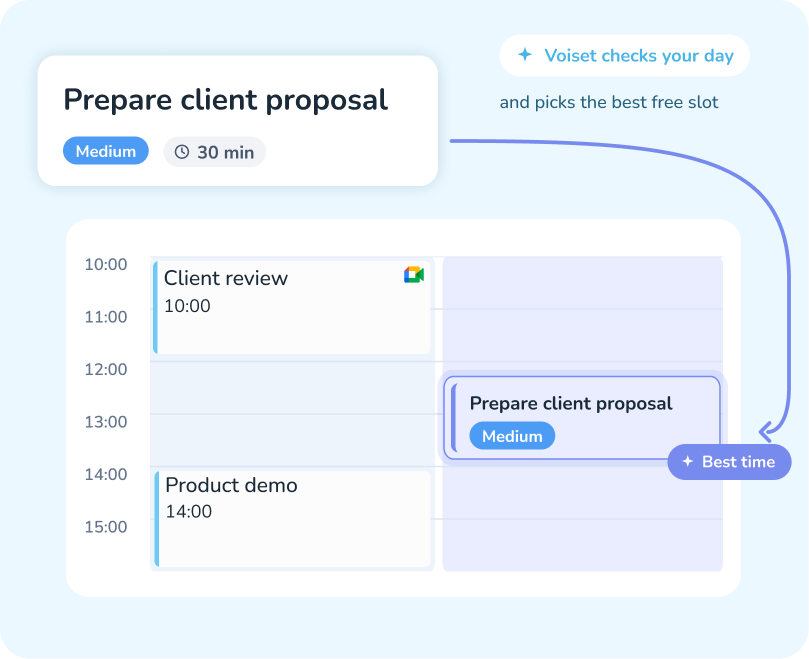
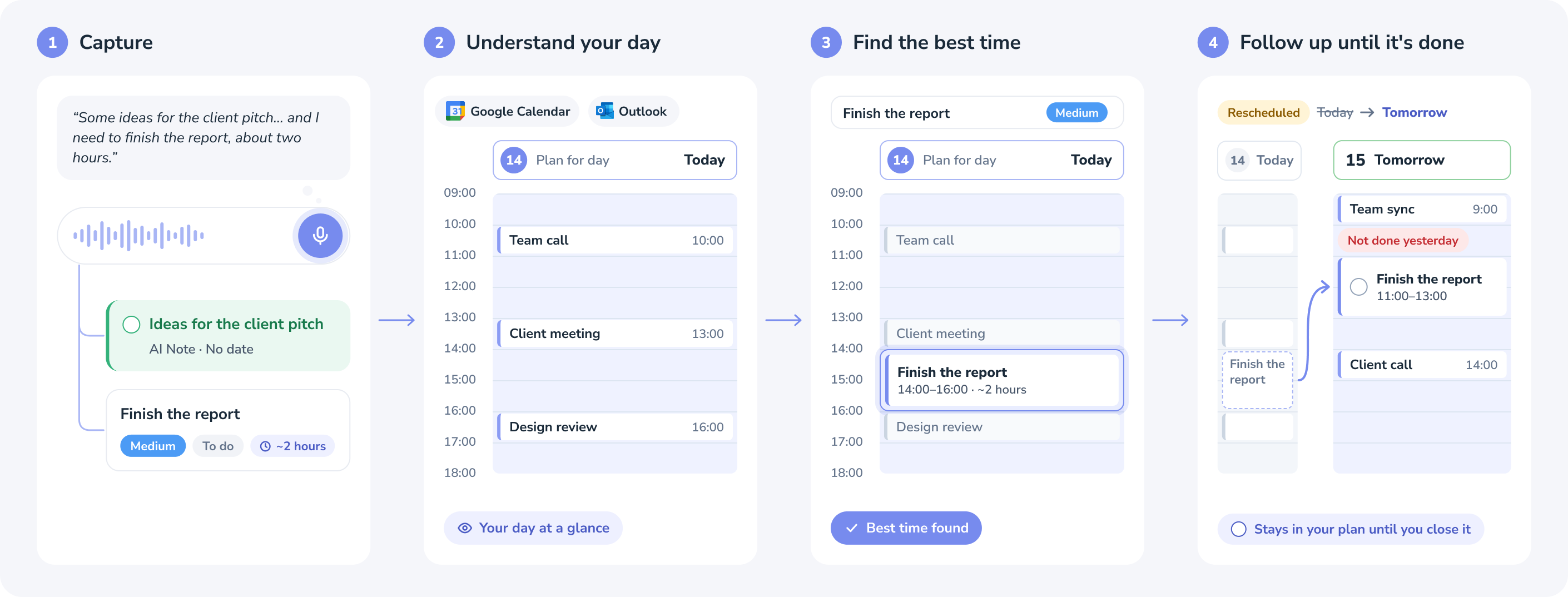
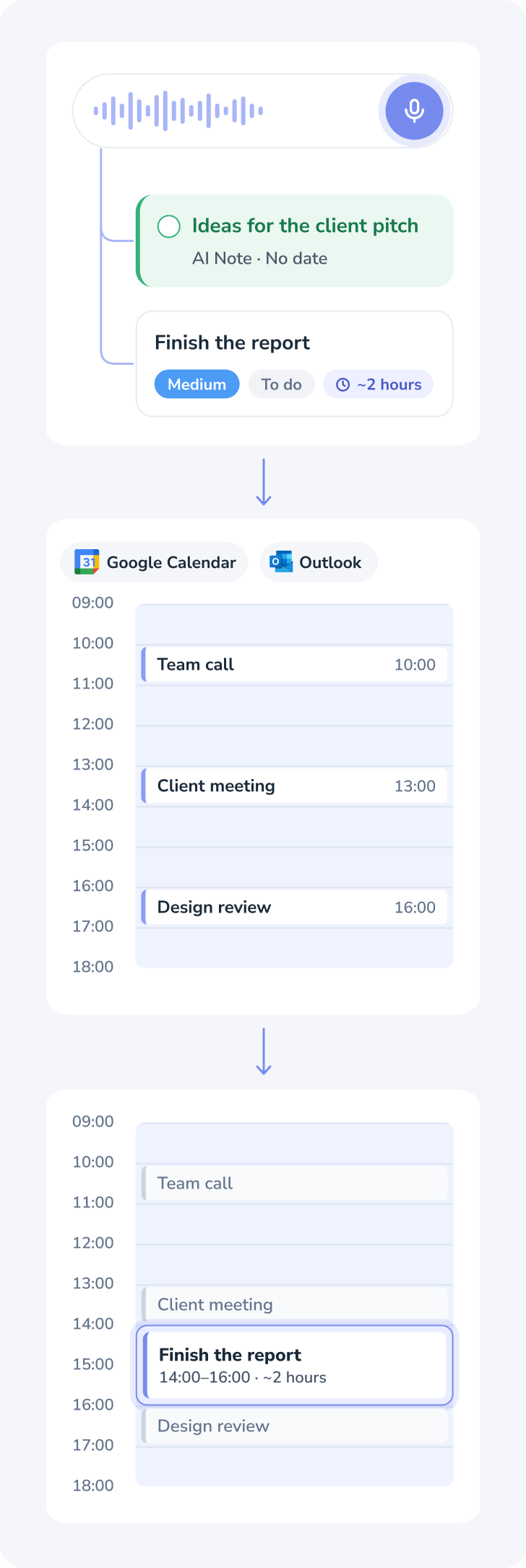
A regular planner waits for you to do everything. Voiset takes care of the planning in four steps.
It starts with information. A stream of thoughts becomes AI notes, a clear plan becomes a task, a meeting or an event. Just speak or type in your own words.
Voiset collects context from all your connected calendars, your task history, your workload and your plans. From this, it builds a full picture of how busy you really are.
The AI looks for a free slot that fits the task: how long it takes, how important it is and what else is on your day.
This is what makes an AI planner different. The AI task manager knows when a task wasn't done. If it still matters, Voiset moves it to the next good time and keeps it in your plan until you close it. What you planned doesn't get lost.
Voiset doesn't stop at your own day. It can build a plan for a day, a week or a month, and not only for you. Add your family or your colleagues, and the AI plans around everyone's time, so each person knows what to do and when.
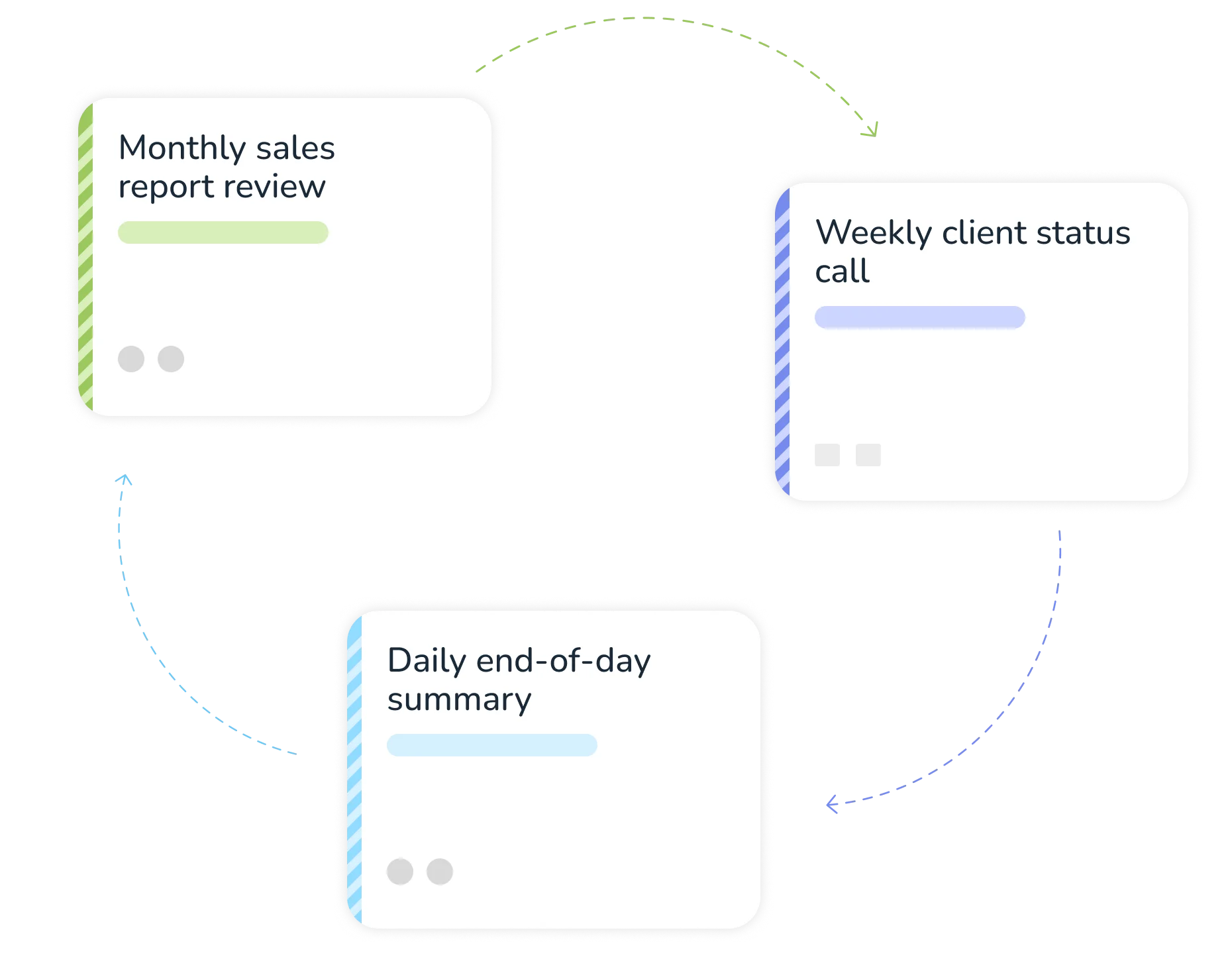
Plan tomorrow, the whole week or the month ahead. Recurring tasks like weekly stand-ups, monthly bills or Sunday shopping are added to the schedule automatically, and the AI fits everything else around them.
Share a workspace with your partner and kids, or with your team at work. Voiset sees who is busy and who is free, so you can give a task to the right person and nobody gets overloaded.
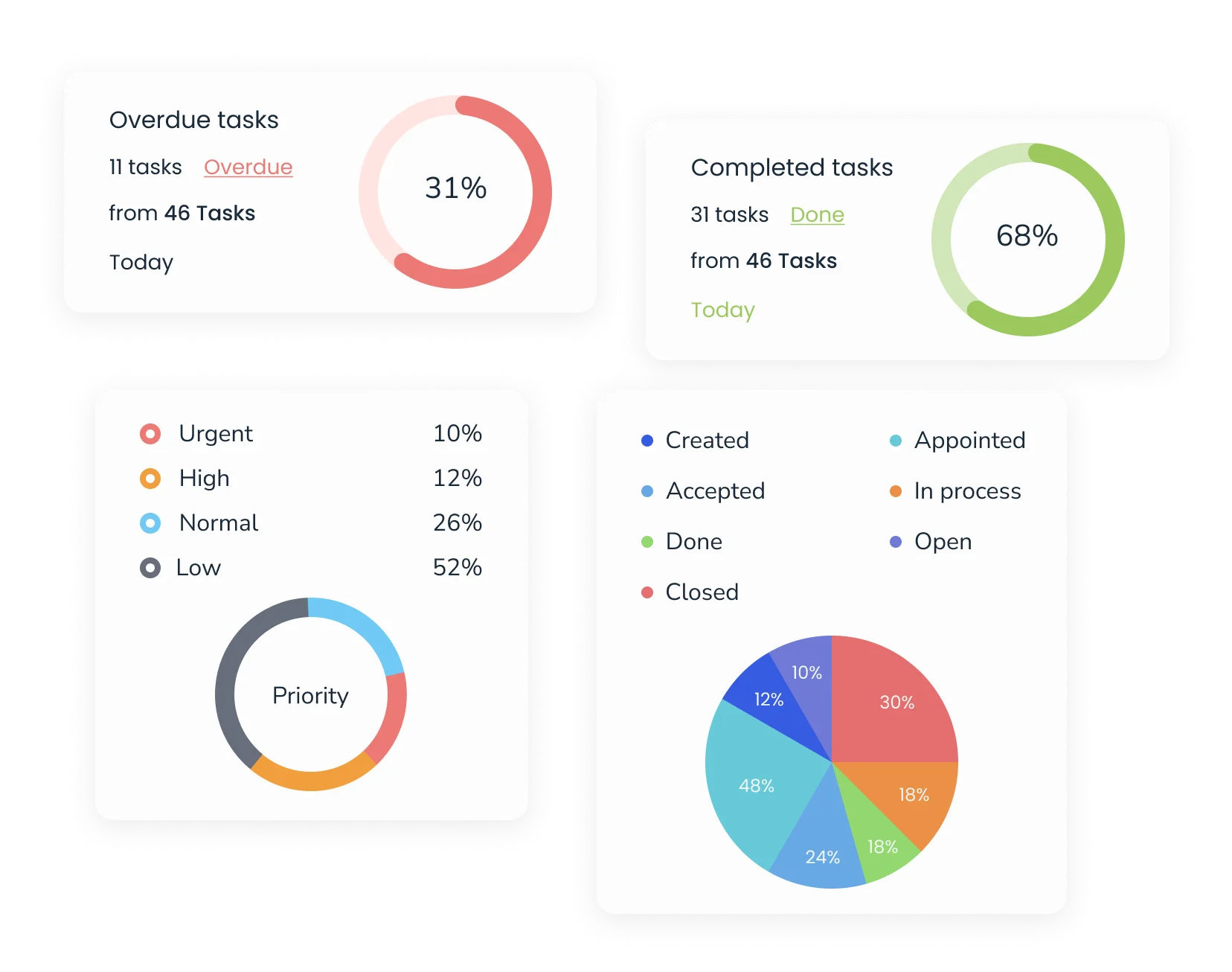
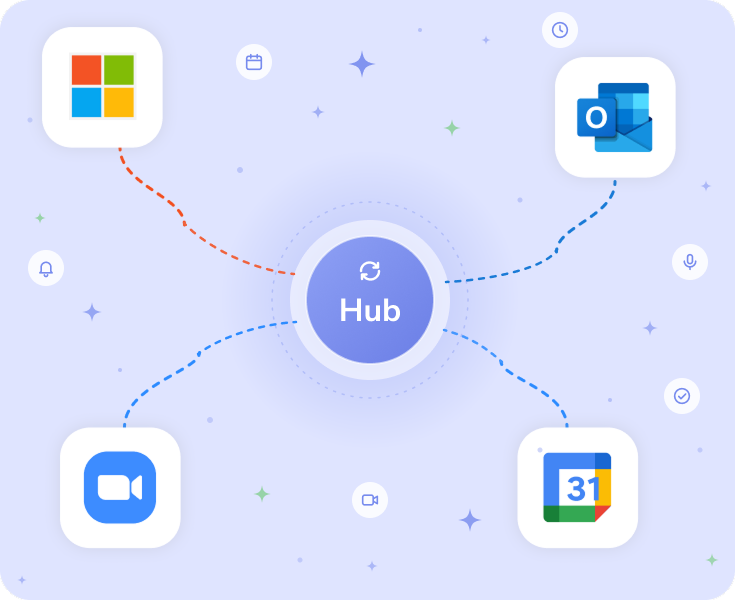
Voiset doesn't replace your calendar. It reads it, so the AI knows how much free time you really have and plans your tasks around your events. Connect Google Calendar, Outlook or any calendar with an ICS link. Choose one-way or two-way sync for each one.


Your Google events show up in Voiset right away, including flights and hotel bookings that Gmail adds on its own. The AI sees them and plans your tasks only in the time that is really free.

Work calls from Outlook sit next to your personal plans, so the AI doesn't put a task on top of a meeting.

Create a Zoom meeting right from a task. The call goes into your plan with the link inside.

Apple Calendar, a school timetable or a shared team schedule. Paste the ICS link, and the AI plans around those events too.
Yes, you can plan your day in a chat with an AI agent. But a chat is not a planner app: there is no calendar view, nothing to share with others, and in long chats older plans fall out of context. Voiset has its own MCP server, so you can connect it to Claude, ChatGPT, Grok, Muse or any other AI agent. Keep talking to your agent, and let Voiset keep the plan.
Your plan lives in a chat window
Older plans fall out of context
Only you can see it
Works when you ask
Your plan lives in a calendar, on the web and on your phone
Every task and its history are kept
Shared with your family or team
Reminds you and moves unfinished tasks on its own
Works with every agent that supports MCP, we don't limit you to one. Try asking: “Find an hour this week when Anna and I are both free”, and the agent plans it around both of you.
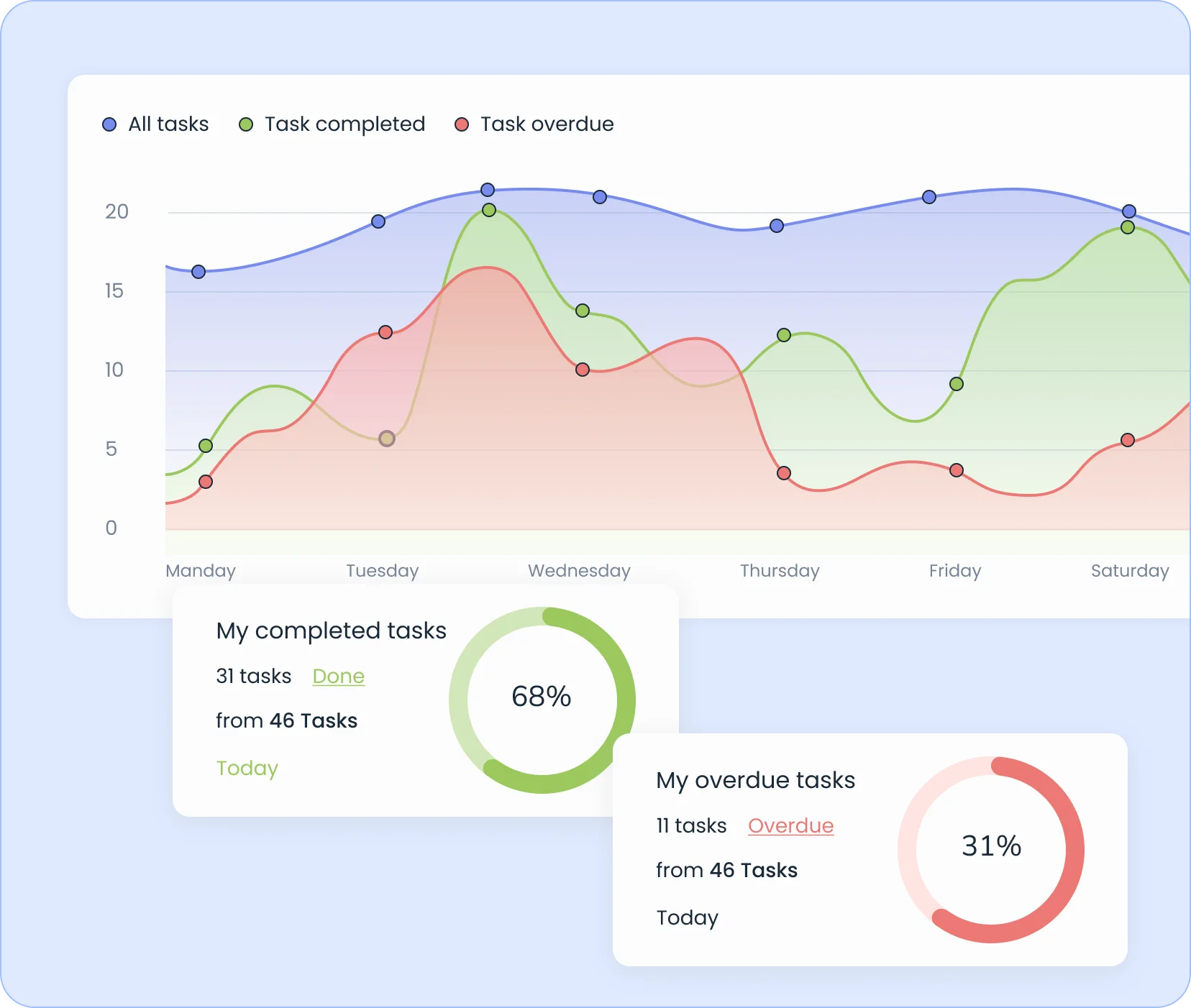
Voiset brings all your time slots together, so you can look back and see what you actually did for each project or workspace. Simple views show where the gaps in your time are, and the AI suggests new slots based on your progress. In planning, what matters is not how many tasks you have, but the small steps you take every day.
An AI personal planner doesn't only store your tasks. It looks at your calendar, finds free time and places each task where it fits. When plans change, it moves what you didn't finish.
No. Voiset works on top of Google Calendar, Outlook or any calendar with an ICS link. You choose one-way or two-way sync for each calendar.
Yes. Press one button and say it in your own words, in any of 55 languages. Voiset turns it into a task with a date and time.
Voiset sees that the task wasn't done and moves it to the next free time. It stays in your plan until you close it.
An AI agent is great for ideas, but a chat has no calendar, no reminders and no shared space. Connect Voiset to your agent through MCP, keep talking to the agent, and let Voiset keep the plan.
Yes. Share a workspace, and Voiset sees who is busy and who is free. You can even send a task to someone who doesn't have a Voiset account.
Yes. Voiset has apps for iOS and Android and a web version. Push notifications and a daily summary in Telegram keep you on track.
You can try Voiset with a 14-day free trial. See all plans on the Prices page.
Every project starts with planning, and your life is no different. Organize your days as clearly as you do important projects to move toward success every day.

