
The best way to run several clients without a spreadsheet. Say what needs to happen, and Voiset plans it around your calls and deadlines.
Get started - it's free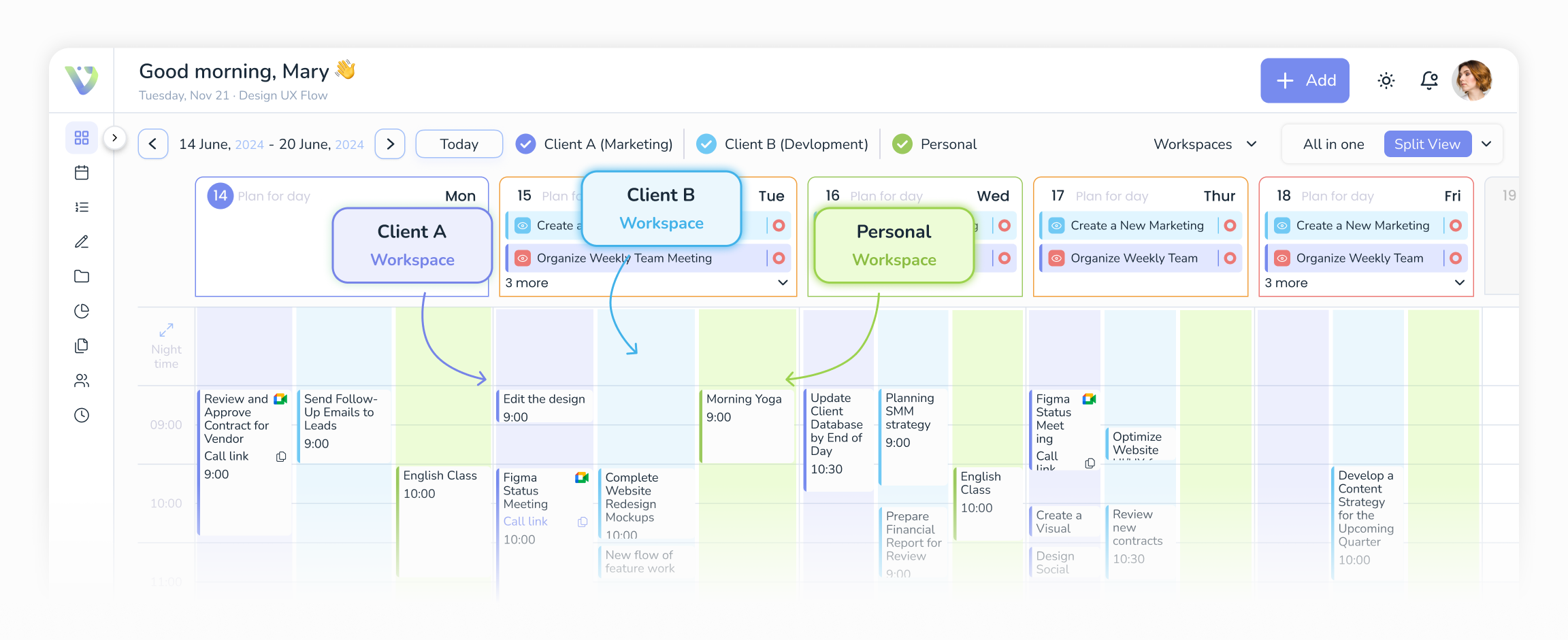
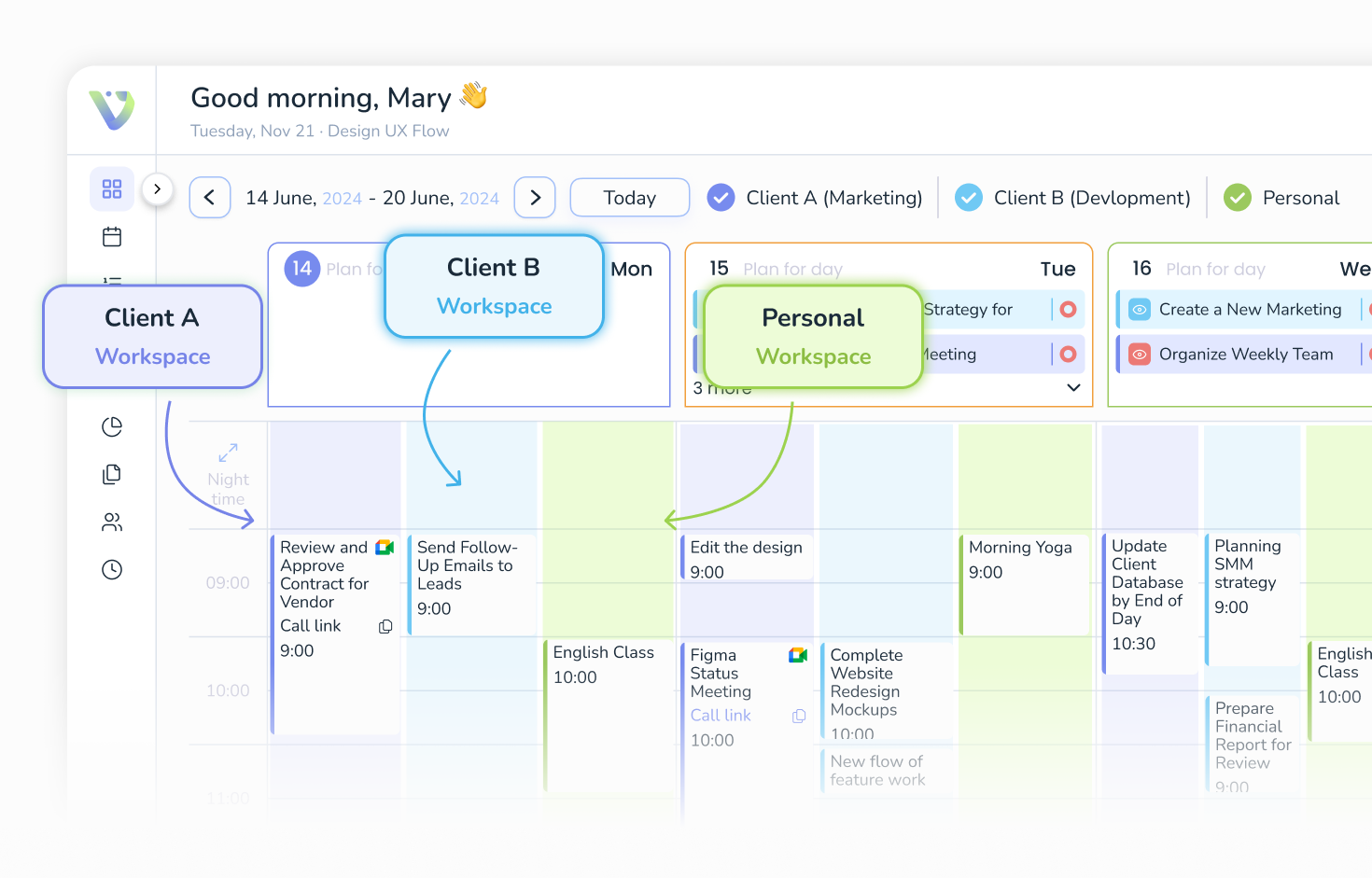
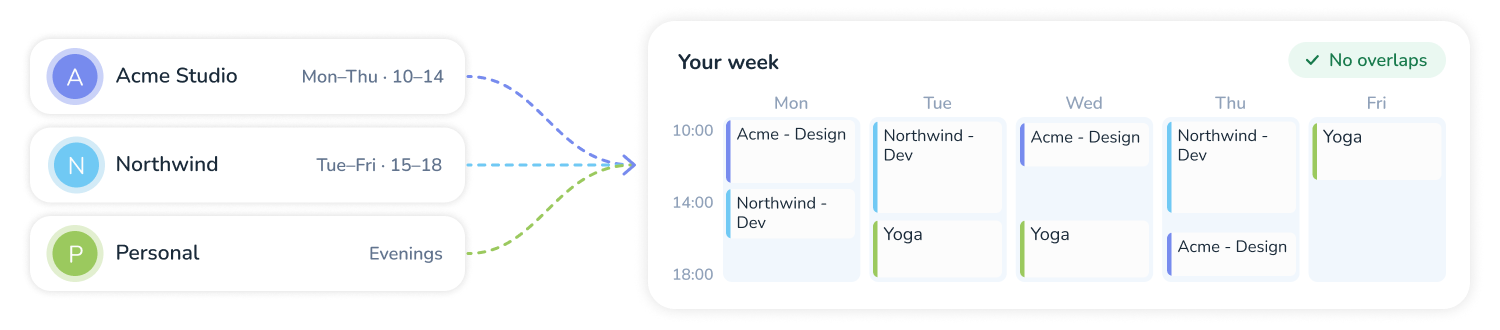
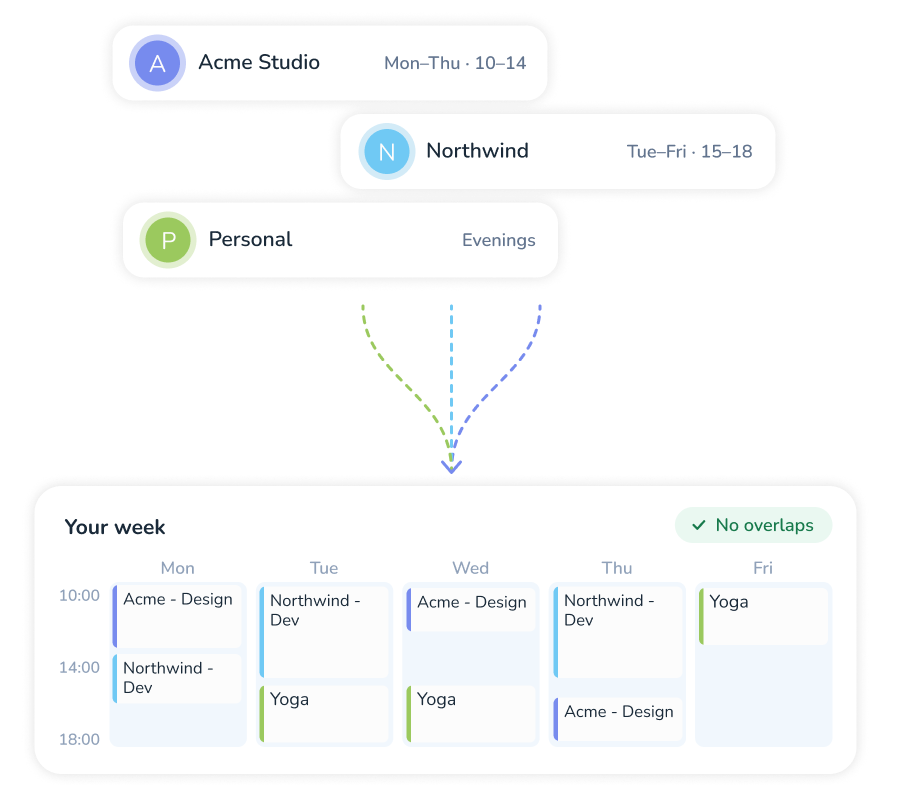
A freelancer uses the tool, but it works for the client too. When you run several projects at once, how you split your time and attention between them shows directly in the result. That is why it is easier to give every client a separate workspace and set working hours for it from the start, with the overlaps with your other projects already taken into account. Order is what tells a client he is working with a serious professional.
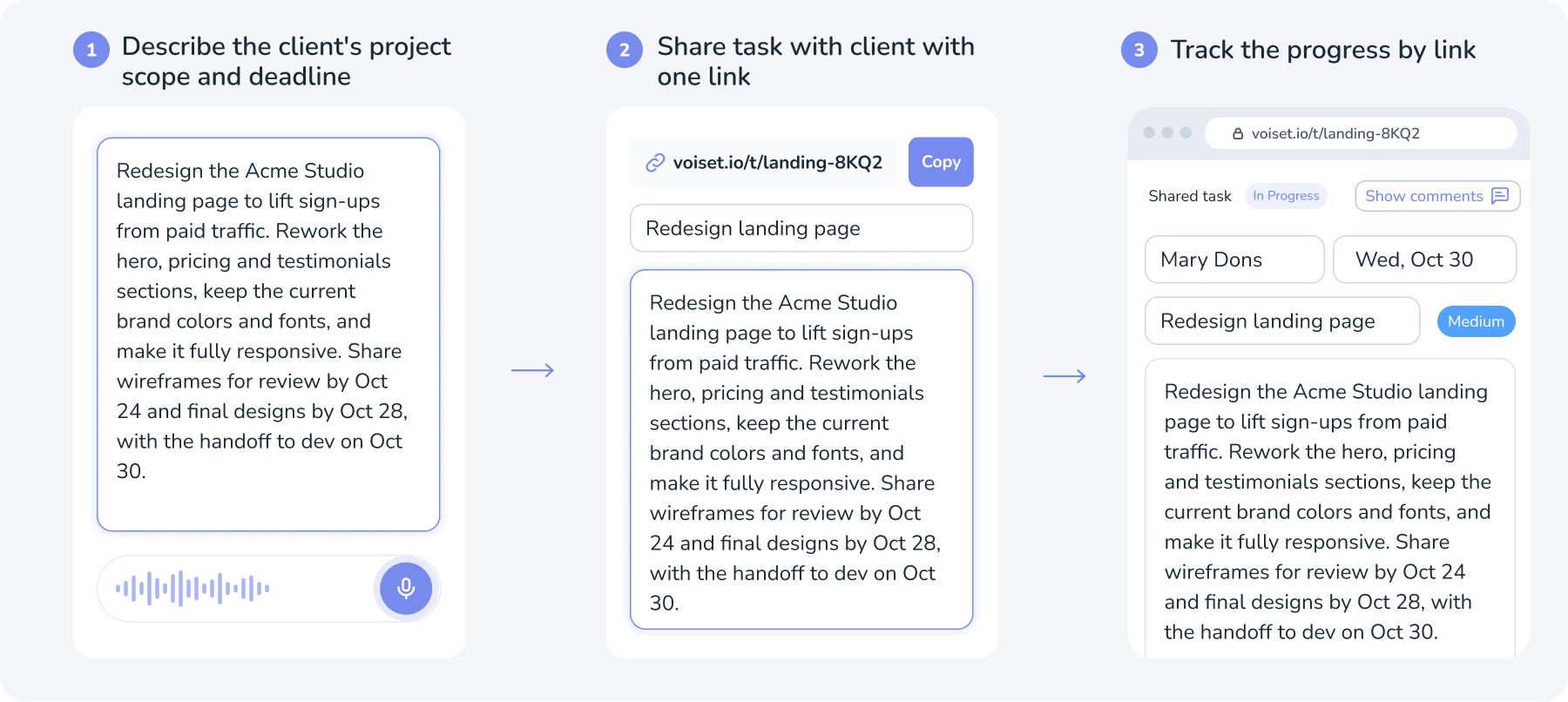
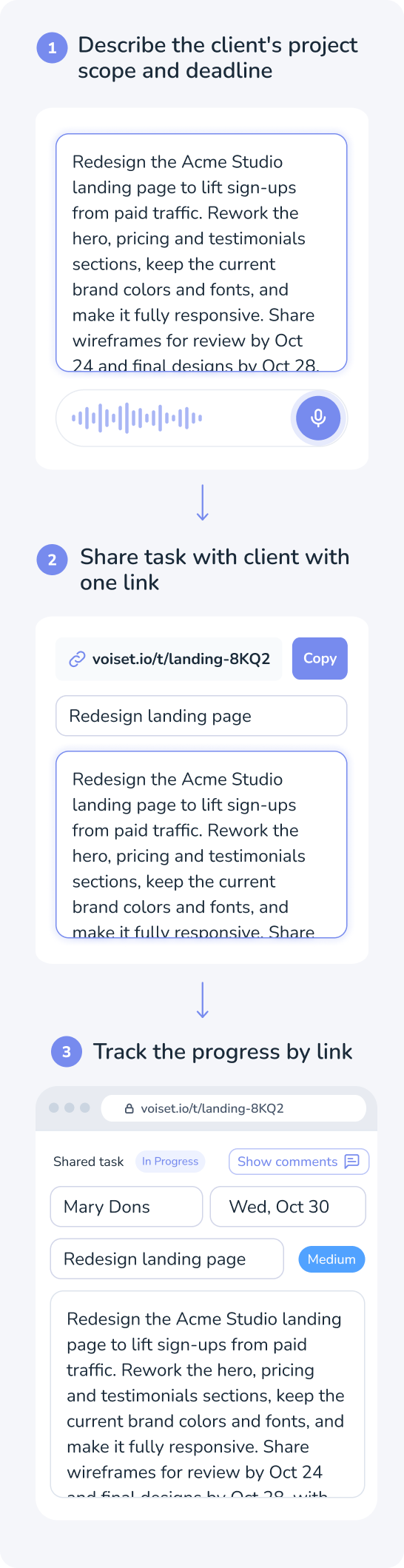
You are not the only one in this calendar. Share a link to a task, and your client or a subcontractor works with you on it without an account on your side. And keep calls apart from deep work: set up your booking page once, and clients pick a slot only in the hours you left open for them, never in the middle of a project block.
Everything above is what Voiset does for freelance planning. The six features below show how.
Voiset is a tool built for the way freelancers work:
Each client lives in its own workspace with its own color and working hours. Switch them on and off to see one project or the whole week. Nothing from one client lands in another's time. Project on pause? Switch its workspace off.
A clear timeline gives you a clear future. A freelancer lives by their own workload and multitasking, so before one project ends, the next one should already be lined up. Set a deadline for every task, and Voiset places the work before it, around your calls.
Work in intervals with the built-in Pomodoro timer and see how much time each session took. A simple way to track the hours you spend, without a separate app. The timer runs itself, you only do the work.
AI will make sure that you no longer complete work at the last minute. It will balance your workload and help you never overload yourself again!
Did you come up with an idea while walking? Dictate it to AI, it will translate it into text and make a note out of it. The AI will then suggest that you create a task from the note and put it on your schedule.
Track your progress: how much more you're getting done, and where are you still weak? AI will collect, process, and interpret your personal statistical information.
Every client gets a separate workspace with its own color and working hours. Switch workspaces on and off in the calendar to focus on one project or see the whole week. Acme’s tasks never spill into Northwind’s hours.
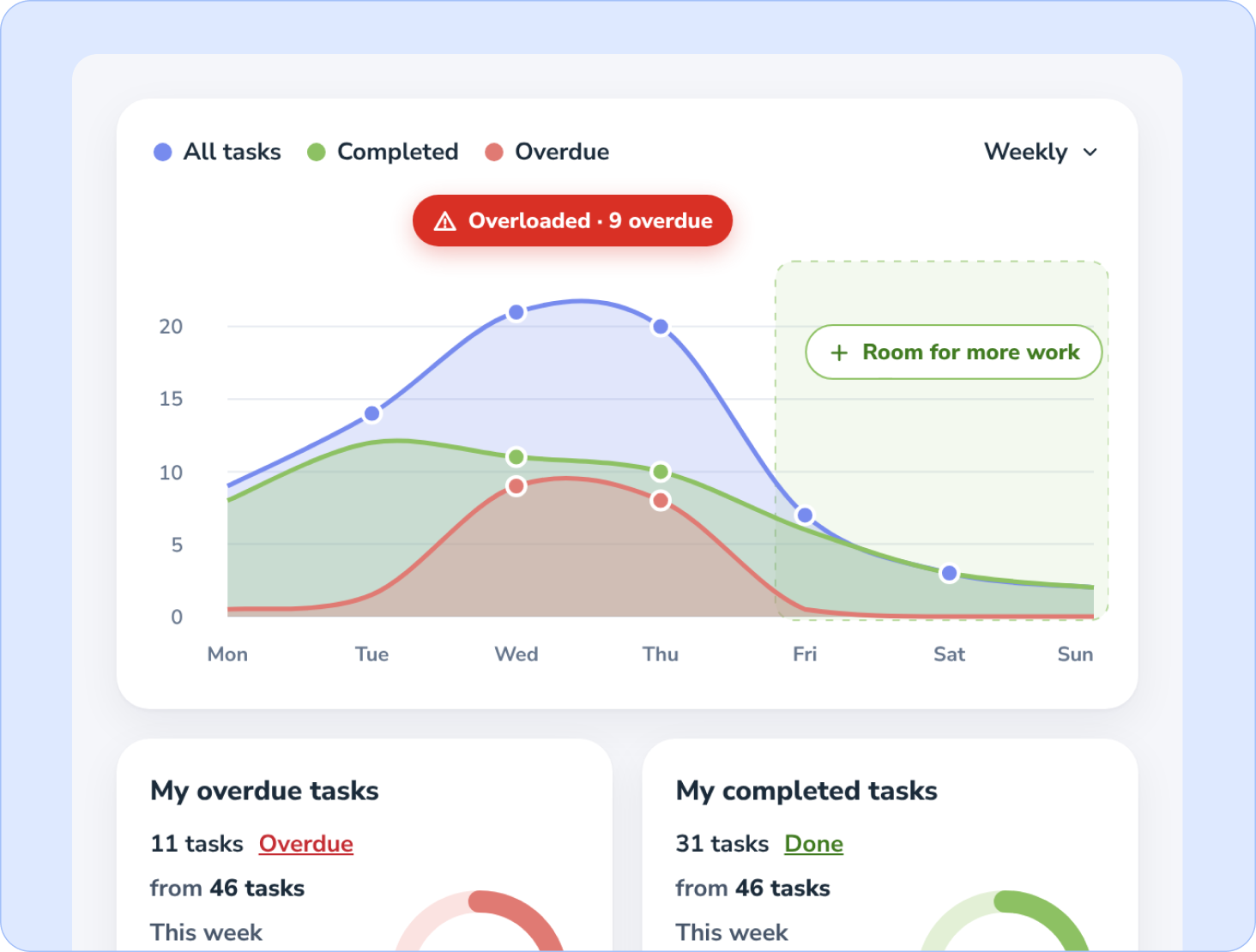
Voiset shows the load of every day at a glance. Quiet days are green, overbooked days are red. When a day overflows, AI offers to move tasks into the gaps, so downtime turns into progress instead of late nights before a deadline.
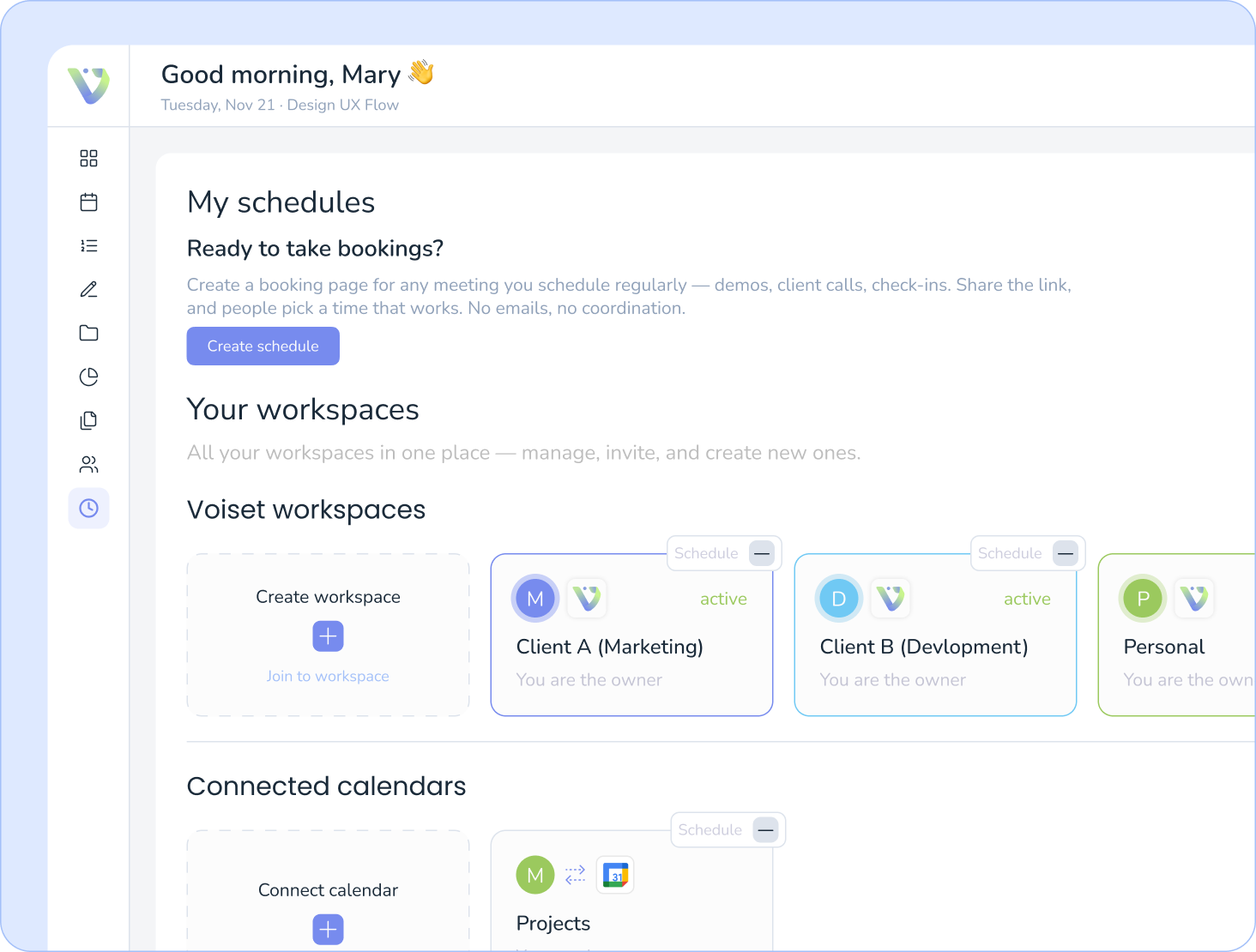
Stop trading messages about when you’re available. Send clients your booking link: they see only the slots you left open for calls, while your project blocks and personal plans stay hidden. The call lands in your calendar with a Google Meet or Zoom link.
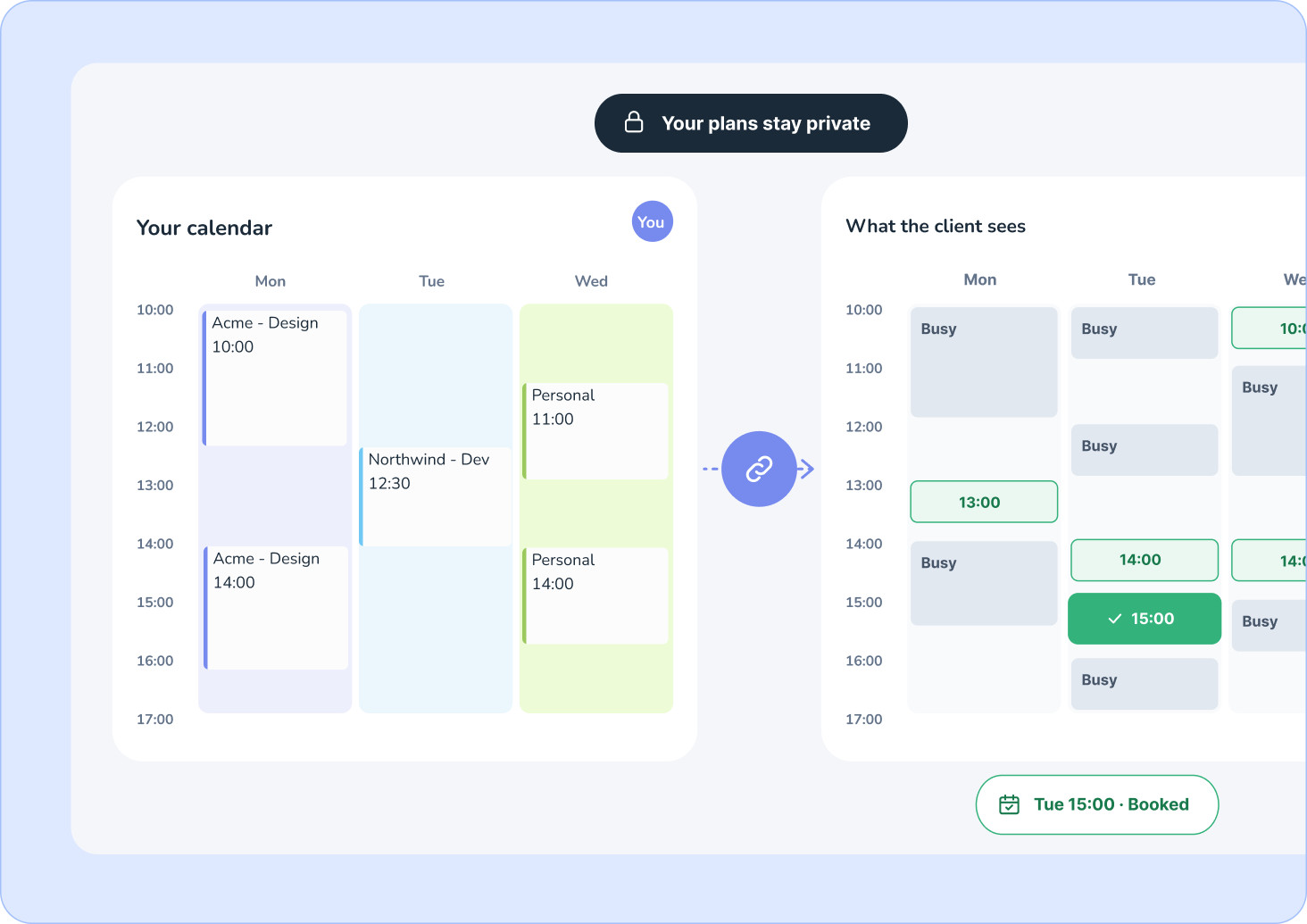
Freelancers lose hours every week just coordinating "when are you free?" across emails, DMs, and time zones. Voiset gives you a personal booking link you can share anywhere: in your portfolio, website, or social bio.
Set your availability once
Share one link for all session types
Host via Google Meet or Zoom

Business planner replaces an experienced secretary, a motivational coach and a caring organizer
Get started - it's freeCheck out how it can work for you
No more hassle with scheduling: the smart calendar organizes your whole life clearly, with color-coded workloads.


Say goodbye to situations where you feel like you've forgotten something and can't remember what it is! Store all important information in a freelance productivity system instead of in your head!
AI-powered work assistant will make sure you don't overload yourself with assignments and say goodbye to procrastination by doing your work in a planned way.

It is a way to bring all your clients into one place, each in its own project (workspace), and keep your workload under control with AI. Powerful, and predictable: you always know what is next and for whom.
Yes, in a simple way: it gives you back the hours you lose on coordination. Client requests turn into tasks with a date instead of messages you have to re-read. Priorities are set, so the work that pays sits first, and small things do not push it out. Calls land only in the hours you left open for them. More of your day goes to work you bill for, and less to planning it.
Yes. Every client gets a workspace with its own color and working hours. Switch workspaces on and off in the calendar to see one project or the whole week. Tasks from one client never land in the hours of another.
Yes. Share a link to the task, and they can see it and work on it with you. No account is needed on their side.
Yes. All data is stored encrypted, and your clients never see each other's information. Each workspace is separate, and a client with a task link sees only that task.
Set up your booking page once with the hours you keep for calls. Clients pick a slot there, and the meeting lands in your calendar with a Google Meet or Zoom link. Your project blocks and personal time stay hidden.
Yes. Connect Google Calendar or Outlook, and Voiset sees your meetings and plans tasks around them. Changes in one place show up in the other.
You can try Voiset with a 14-day free trial. See all plans on the Prices page.
Yes, you can easily manage up to ten projects at once. Yes, you can optimize your workflow. Yes, you can do more with less.

