Get 2 hours back. Every day.
The AI calendar for work and life.
Connect all your calendars in one hub.
Add tasks and notes by voice or text, from your phone or the web.
Let AI build your schedule and get your free time back.
.webp)
6 elements of successful planning
A personal assistant who works with your calendars non-stop
Voiset pulls events from any source, Google, Outlook, Zoom or a simple ICS link, brings them into one hub and keeps them in separate workspaces. From there it works as an AI personal planner that carefully finds the best time for every new task or event. And this assistant costs less than a couple of cups of coffee.
Keep control of your schedule
In personal life, the goal is more time for family and for yourself.
In business, on the other hand, every minute has a cost.
Voiset keeps all your schedules in one place and shows you the full picture: at the very least you see your whole life at a glance, at best you can finally balance it.
.webp)
.webp)
Nothing to switch, nothing to lose
You keep the calendar you already use, so there is nothing to migrate and nothing to lose if you just want to try.
Two types of connection: read-only, where Voiset only pulls events and tasks from your external calendar, or full sync, where you create everything in Voiset in one click and it appears in your calendar too.
You choose the mode for each calendar, for example read-only for work and full sync for personal.
From idea to action without delay
Ideas don't come to you just to get lost.
A note is simply a task without a date. Record a voice note or type it into Voiset AI notes, and it stays next to your calendar.
When you are ready, one click turns the note into a task with a priority, time and place in your schedule.
%20(1).webp)
.webp)
Say it, and it's scheduled.
Press one button and say what needs to happen: “Call the client on Thursday at 3”.
Voiset's AI task manager turns it into a task with the date and time, right in your calendar.
With the voice assistant, you can plan on the go: on a walk, in a taxi or between two meetings.
One link for meetings, calls and appointments
Send your personal booking page. Clients see only your free time and book a meeting, a call or an appointment.
You choose which workspaces to check, for example work and family. So no one can book you during a school pickup or a dentist visit.
When you add new plans, your free time changes too. Every booking goes straight to your calendar.
.webp)
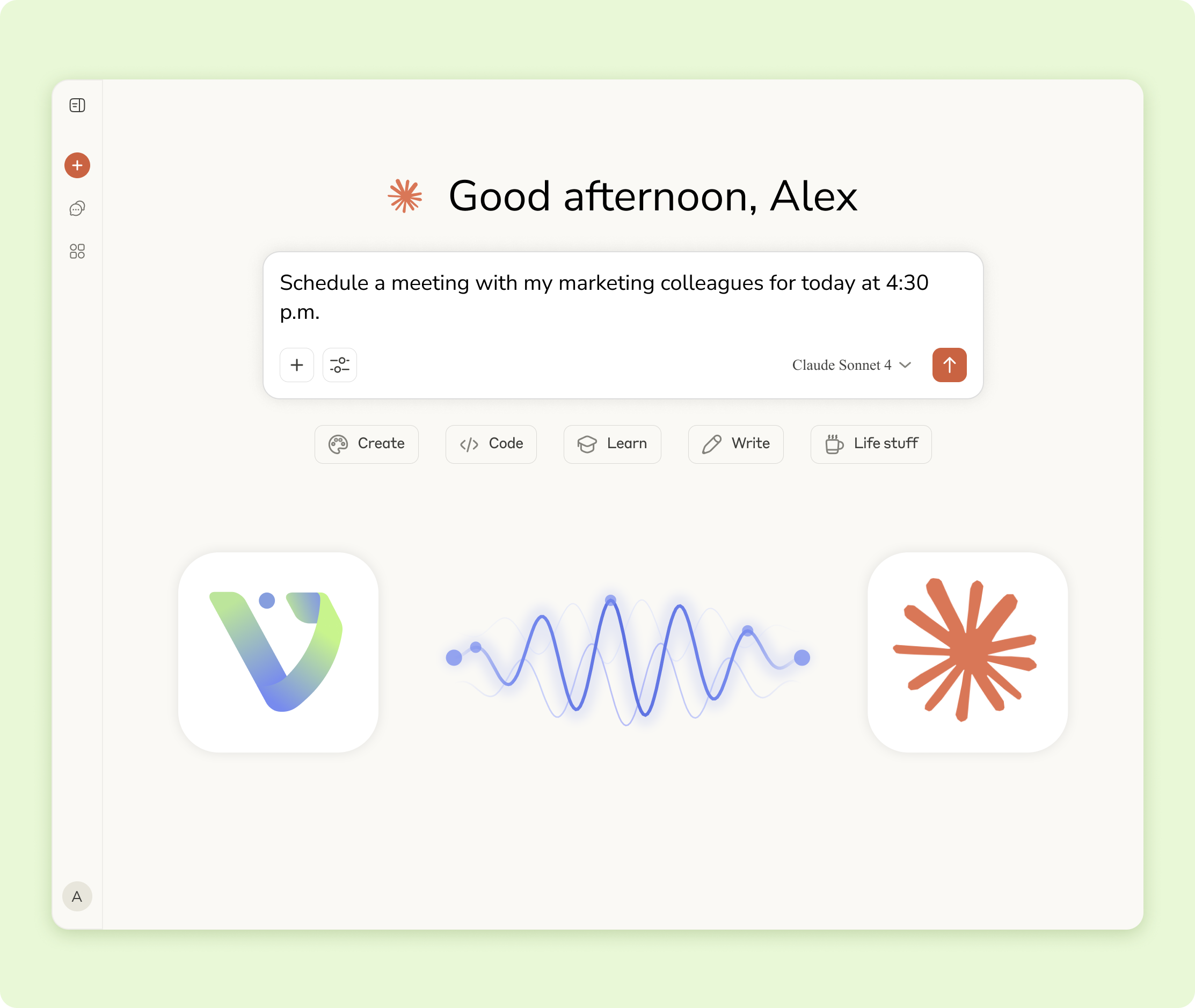
Voiset inside any AI agent
Voiset has its own MCP server, so you can connect it to Claude, ChatGPT, Grok, Muse or any other AI agent.
The agent gets full access to your calendar hub: it creates tasks, moves events, plans calls with your team and shows your day.
You don't even need to open Voiset. Just ask in the chat you already use, and everything stays in sync.

From the team meeting to the family dinner. Voiset plans both.
7,000+ people already plan their work and life with Voiset
“I'm too busy at work” is the easiest excuse. Bring work and life into one AI calendar, and you will see where your time really goes and where the gaps are. Voiset won't fix them for you, but it won't let you forget what matters. That is how you get 2 hours back every day.
Who this AI calendar is for
Not everyone works the same way.
Every routine is different, but with Voiset, everyone can make theirs better.
Teams where everything depends on people, not chaos
Good teamwork is the key to success. Meetings, tasks, projects and goals add up to a lot of information that has to stay under control. Voiset keeps it all in one shared plan. And a personal booking page, now standard in almost every business, lets clients book time with your team without long email threads. See how teams use Voiset →

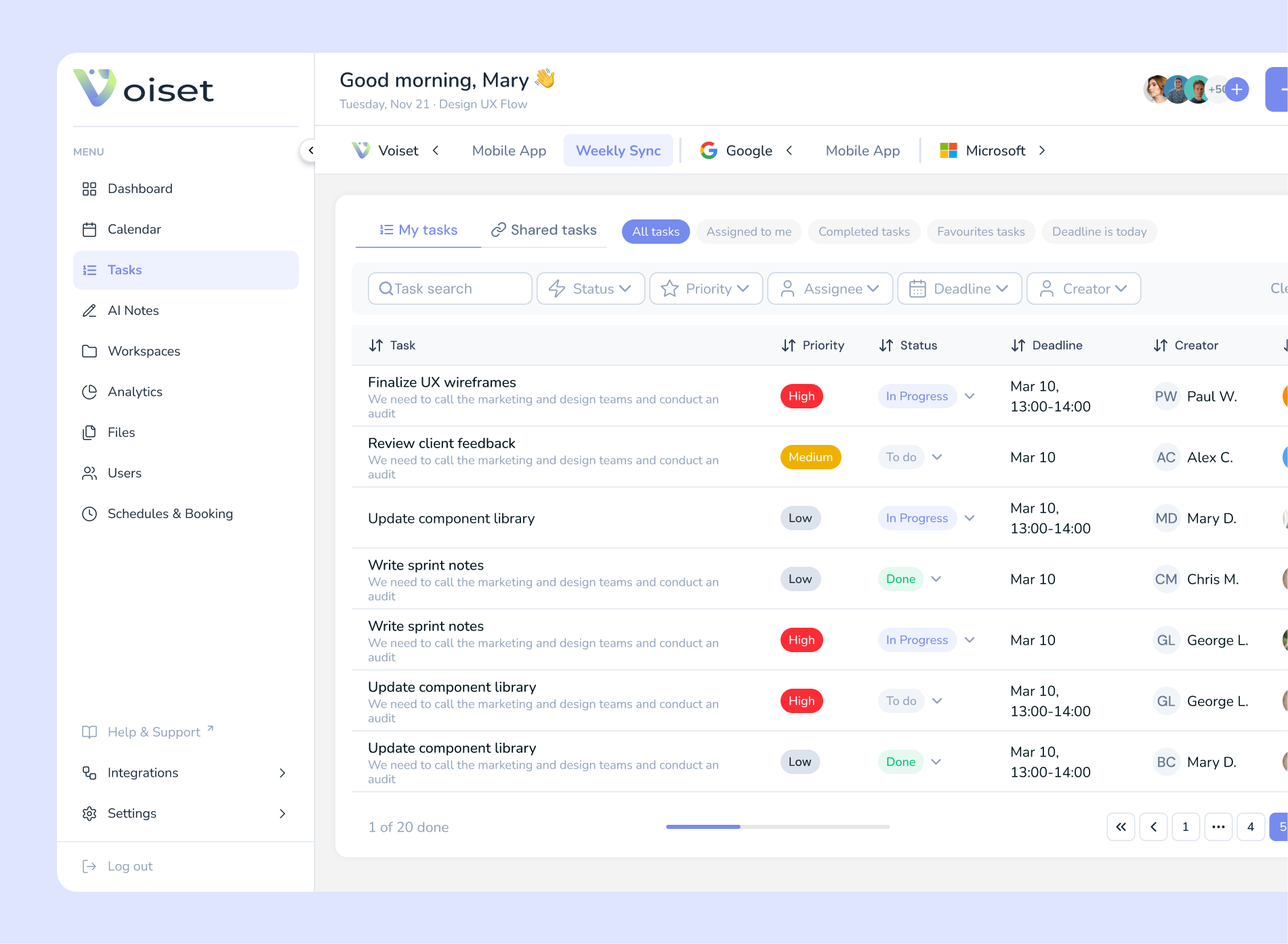
Students: one schedule, notes from every lecture
Record a lecture on your phone and Voiset turns it into notes. Sync your university, work and personal calendars and plan your week or month in one place. See how students use Voiset →


Real estate agents who can't miss a single deal
Viewings, clients, documents, and conference calls don't get scattered across chats: all steps related to the property are visible and under control. See how real estate agents use Voiset →
.webp)
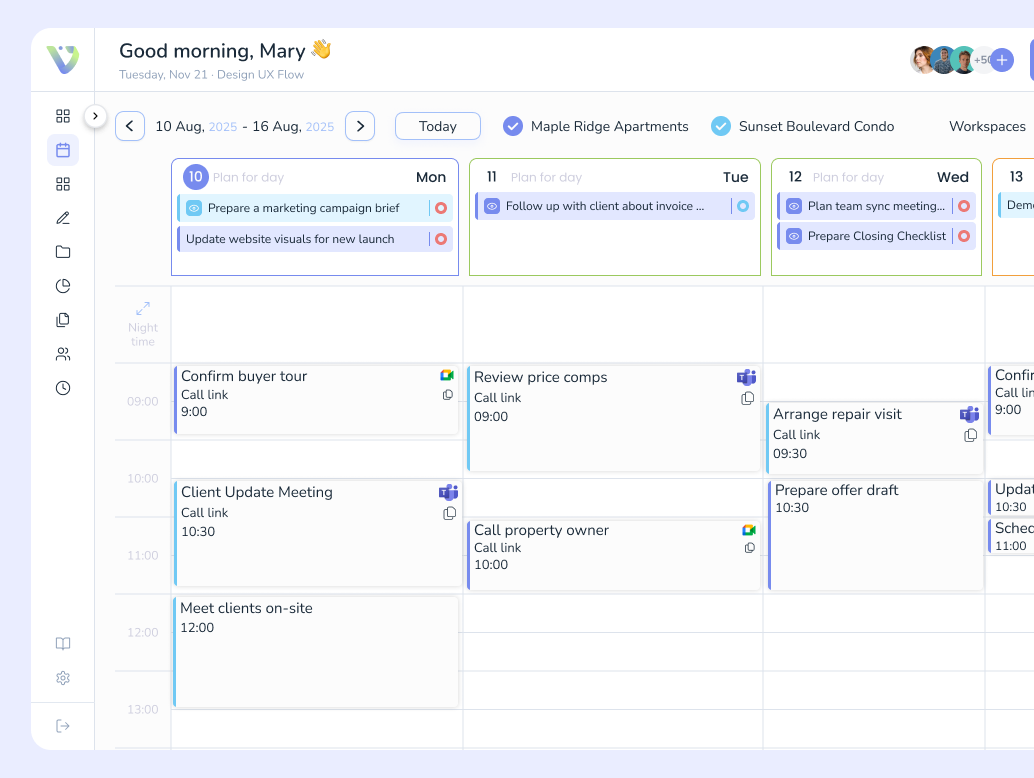
Field teams that work “on site” rather than at a desk
Voiset helps distribute tasks among people and locations, while AI automatically suggests deadlines and assignees based on team workload. You can quickly mark the status on the spot, add a voice memo, and immediately record the next step.
See how repair and installation firms use Voiset →
.webp)

People with ADHD who struggle to get started
The app suggests the next easiest step, sets gentle reminders, and helps you put together a plan for the day without overload. If a task keeps getting put off, Voiset suggests breaking it down into short subtasks lasting 5–15 minutes to make it easier to get started and see progress right away.
See how Voiset helps with ADHD planning →

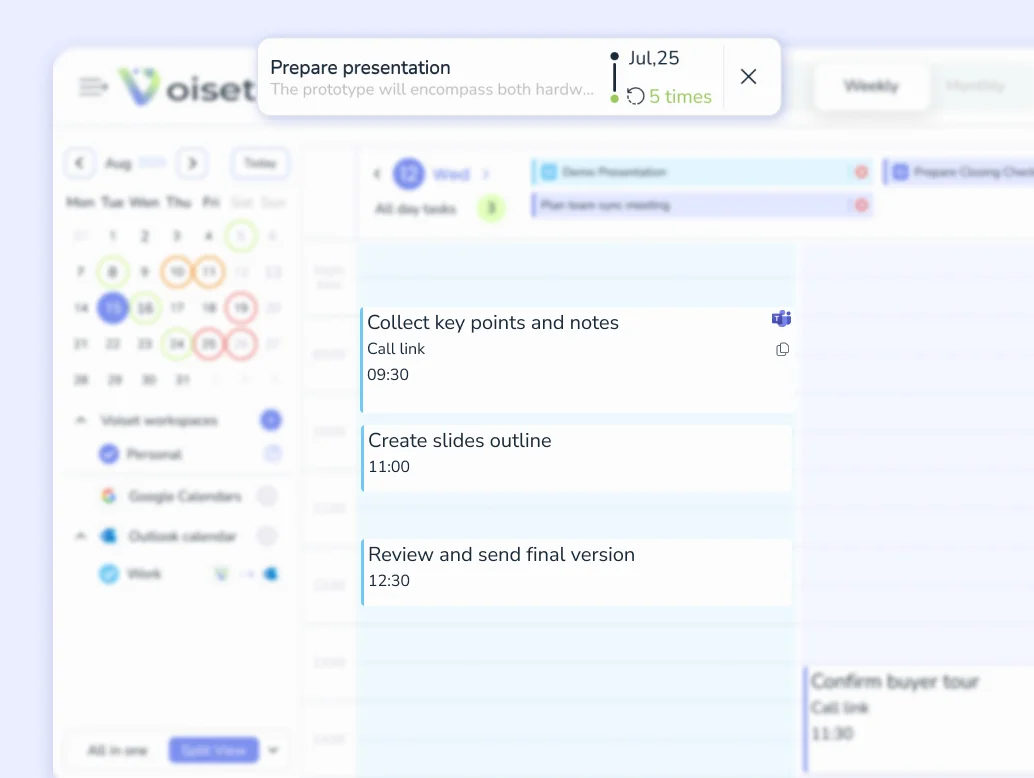
Families who need a common plan without endless discussions
Home, children, shopping, meetings, and household chores in one space: fewer overlaps, more peace of mind.
See how families use Voiset →
.webp)

A personal planner that finds the perfect time for your daily routine
Think of it as your 24/7 AI personal planner: the system analyzes your schedule, priorities, and routines, then chooses the best time for tasks, notes, and recurring plans.


Ideas, thoughts and plans show up every day. Keep them in one place
Capture AI smart notes by voice or text, from any source. A note is a task that has no date yet. Voiset sorts it into the right workspace and sets its priority, and when you are ready, AI finds the best time for it in your calendar.
Keep your calendars. Voiset works on top of them.
You don't have to leave your calendar to use Voiset. Connect Google Calendar, Outlook or Zoom in a few clicks, or add any calendar with an ICS link. Choose one-way or two-way sync for each one.
Get started

Google Calendar
Your Google events appear in Voiset right away. If Gmail adds your flight or hotel booking to Google Calendar, you will see it in Voiset too, with no extra steps.

Outlook and Microsoft 365
See Outlook meetings next to your personal plans, so AI plans your tasks around work calls.

Zoom
Schedule a Zoom meeting right from a task, without switching apps.
.webp)
Any calendar via ICS
Apple Calendar, a school timetable or your team’s shared schedule. Paste the ICS link and those events show up in Voiset.
Your booking page, built around your actual schedule
Create an appointment booking link and share it anywhere. Coaching, consulting, real estate or just a busy personal schedule: clients pick a slot, Voiset checks your real availability, and the meeting lands in your calendar. Automate online meetings via Google Meet, Zoom and Microsoft Teams, or in-person appointments at your location.
Know where your time goes
The platform shows the time spent on tasks so you can understand the team's workload.

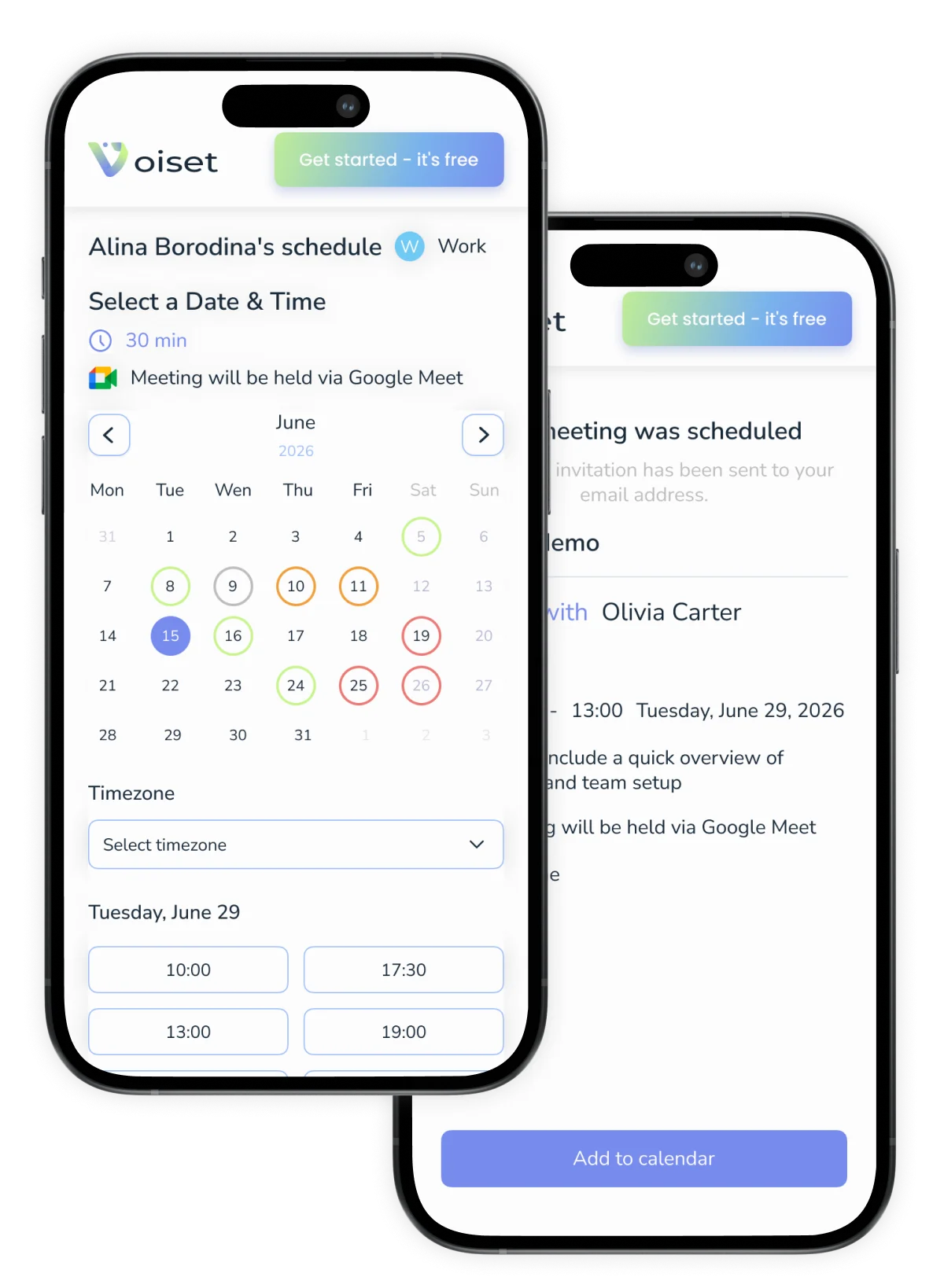
Your AI calendar in your pocket
Managing your time doesn't stop when you leave your desk. You check your phone everywhere, so that is where your plan should be. Push notifications from the app show up right away, so you see every meeting and deadline on time. Have an idea? Grab your phone, press one button and say it out loud. That's it. This is what makes Voiset more than a planning app: one system across your phone, the web and your calendars.
Get the mobile app

&

Available on
&
Your plan in Telegram, too
No need to install another app. Just connect the Voiset bot in Telegram, and you get a summary of your day every morning, plus reminders before meetings and updates on your tasks, all in the messenger you already use.
Get started%20(1).webp)
.webp)
Work with anyone, no sign-up needed
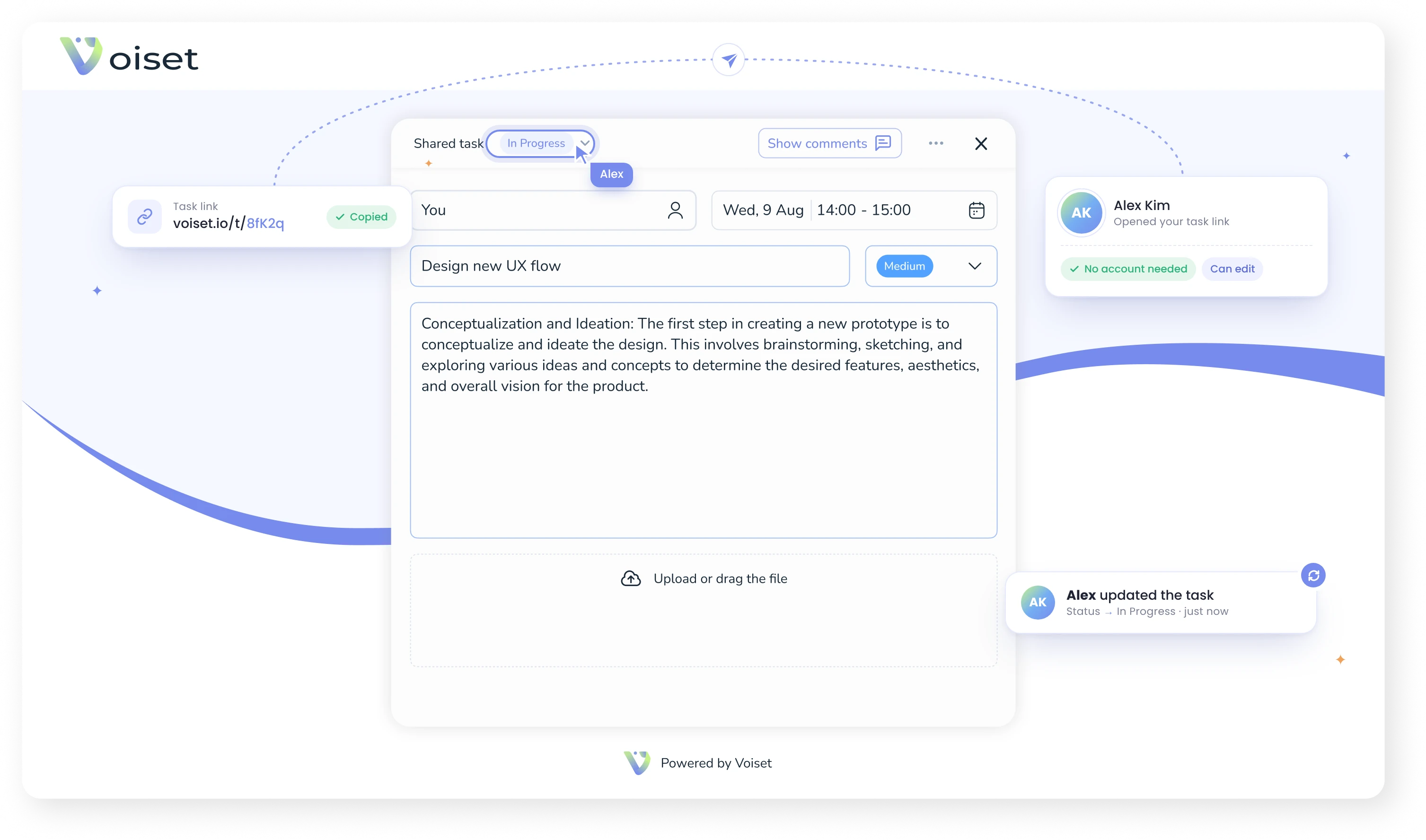
The people you work with don't need a Voiset account. Create a task, share its link and choose what they can do with it. They see all the details and can get the job done. For example, send your employee a link to buy supplies, with product links and photos inside the task. You stay in control of every task, even when others do the work.
Workspaces for work, family, and personal tasks in the master calendar
Create separate workspaces for personal, work, and family. Everything is separated yet connected. Voiset brings all your calendars together in one place, making it easy to switch between modes and maintain balance.
Get startedPersonal workspace
Start by creating a personal workspace. Here you can manage personal tasks, notes and your schedule, all for you and only you.
.webp)
Workspace for work
Synchronize your Google Calendar or any other calendar and it becomes your workspace. Voiset imports work calls and tasks.


Flexible switching and modes
Each area has a different color, and the system prevents overlap, so you're always in focus.
.webp)
Workspace for the family
Create a family area, invite your closest ones over, and divide up tasks from shopping to weekend plans.
Master Calendar
Master Calendar collects tasks, events, and meetings from all work areas and shows them in one window. The color indication for each work area helps you instantly distinguish between work and personal.

Let AI handle the scheduling - you focus on growing your business
Voiset’s AI auto-plans tasks, aligns calendars, and keeps teams in sync, so nothing gets lost in the shuffle.


AI auto-scheduling
The system analyzes deadlines, workload, and availability to schedule tasks automatically. No micromanagement needed.

Smart team coordination
The right person gets the right task at the right time. No conflicts, no duplication, just coordinated teamwork.

Real-time calendar sync
Connected to your existing calendars, Voiset keeps every update in sync and adapts plans when things change.
How much is your time worth to you?
How much you will save by using Voiset in a month
€ 5,120
Built for people, proven by experience
The best feedback doesn’t come from metrics, but from those who use it every day.
Teams, leaders, and individuals, all shaping a simpler, smarter way to plan.


"The interface is clean and straightforward. It makes daily team collaboration simple by allowing us to share files, communicate effectively through group chats, and keep everyone updated on project status."

Steffan R.
"Voiset strikes a perfect balance between automation and control. I love that it learns from my patterns without taking over completely. The daily summaries are particularly helpful."

"Voiset makes it easy to plan campaigns, assign creative tasks, and keep everyone informed. The AI scheduling feature ensures no overlap between projects."