The AI note taking app that turns a note into a task

Say it or type it. AI saves the note, picks the right workspace and puts it on your calendar with a date.

Turn your ideas into clear action steps
Timely warning of high workloads
The system places each entry in the right workspace and day
Ai Notes smart scheduling

What is an AI note taking app?

Ideas, thoughts, drafts, plans: all of it is a note. An AI note taking app lets you capture them in different ways. The simplest is to press a button and say it out loud, like a voice message. If you work with an AI agent, you can save its answers to Voiset too.

Then AI sorts the note, tags it and keeps it where you can find it. Voiset goes one step further. Each note gets a workspace, a priority and a date, and lands on your calendar as a task. You don't take notes to read them later, you take them to get things done.

How it works?

From note to result, without you sorting anything

The simplest way to save time without losing quality is to use your voice: just press the button and say it.
Voice → text → a note → a task → a result.
It works for any source: a meeting, a call, a lecture, or an idea that came out of nowhere. Even a random thought from a conversation ends up as a task on your calendar, and you don't lose it while you're typing.

STEP 1

Say it!

Hold the button, talk, and swipe to lock it, like a voice message. On the phone, on the web, or in a chat with your AI agent. Voice becomes text.

STEP 2

AI turns it into a note

AI catches every detail: what to do, when, and which workspace it belongs to. No tags to fill in, no folders to choose.

STEP 3

The idea becomes a plan

It lands on your calendar with a time slot. From here, the AI task manager does the rest to make it happen. Miss it, and Voiset moves it to the next free one. That's the result.

Taking memos on the go
‍ in the mobile app

Thoughts don't come when you're at your desk: they come on the road, in the car, or at the gym. No need to type, search for the right list, or waste time formatting. Just say your idea out loud, and the note is saved and placed where it belongs. A moment later, it's sorted and in your plan.

Voice input

Press and hold the record button, talk, and get the text.

Write down your thoughts anytime, anywhere

A simple way to capture your thoughts wherever you are in a mobile app.

Automatic workspace selection

Voiset defines the workspace where to put the note, you don't need to spend time on it.

Date determination

Voiset picks the best day for each note.
CAPTURE EVERYTHING, LOSE NOTHING

AI notes from any source, any agent, any moment

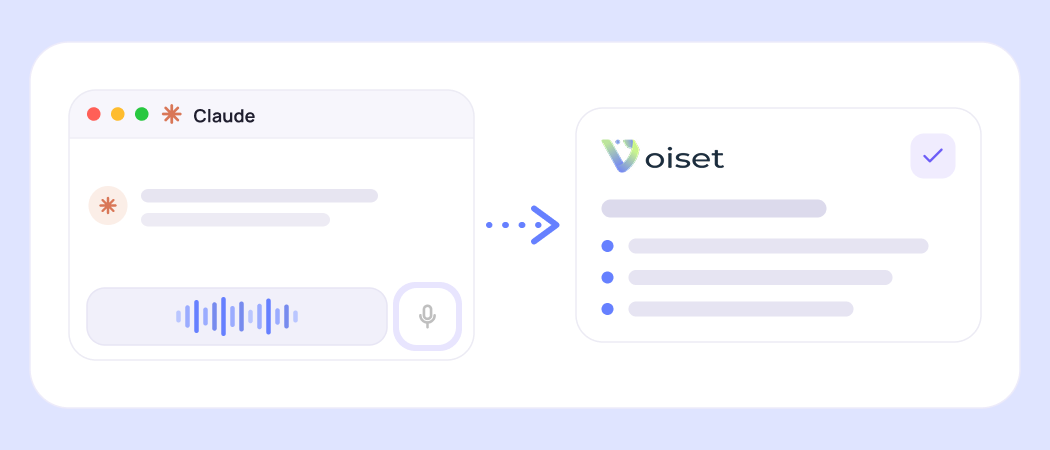
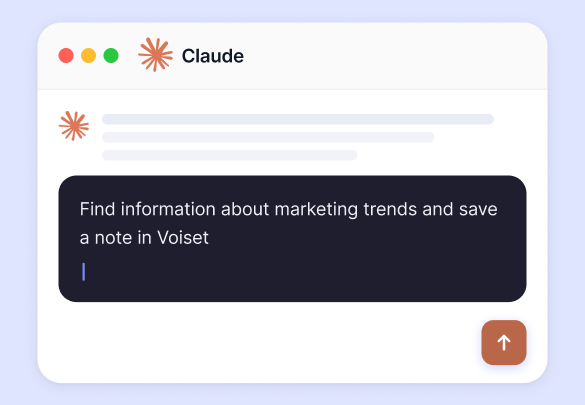
GPT and Claude or any AI agent already helps you think: it summarizes, suggests and answers. But where do those ideas go? Voiset catches everything, from AI chats, voice, images and links, and keeps it in one place, ready to become a task.

Get answers from anywhere, save them instantly

Ask GPT or Claude anything, search the web, pull from any source, save the result as a note in one tap. No copy-paste, no switching apps.

AI Project Manager

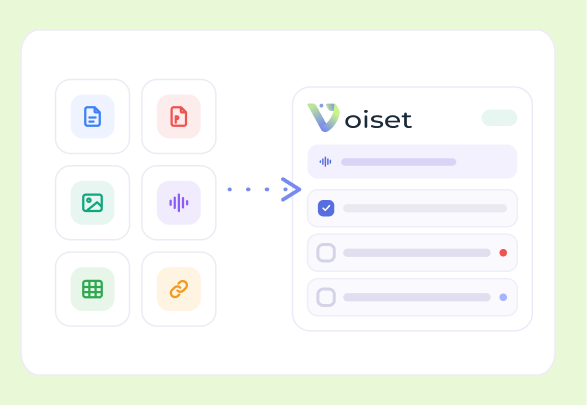
Extract key data from images & documents

Upload a screenshot, photo, or PDF, AI reads the content and saves the important parts directly as memos in Voiset.

Connect external calendar
AI scheduling meetingsAI scheduling meetings

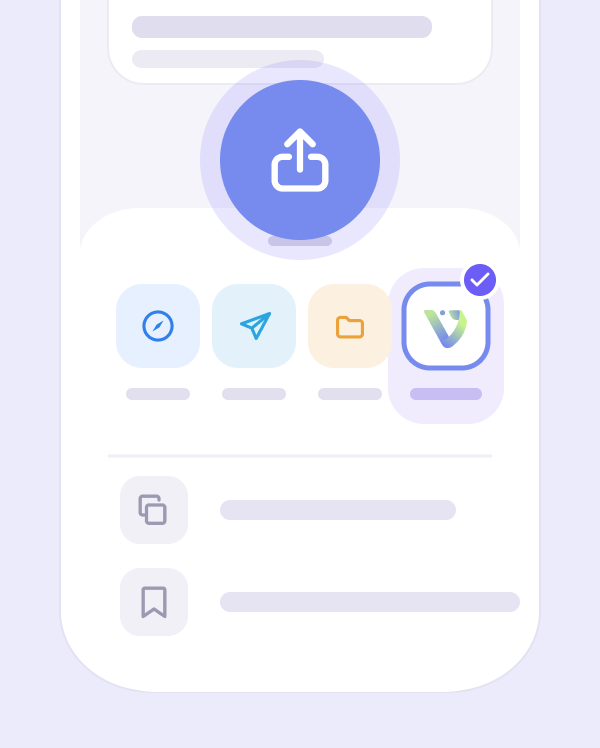
Share anything into Voiset from your phone

Found something in Safari, Telegram, or any app? Open the Share menu and send it straight to the Voiset mobile app, it lands as a note instantly, without switching context or opening the app manually.

Work and personal areas

Voice to structured note in seconds

Say it out loud, AI turns your voice into an organized idea and saves it to your workspace automatically.

AI scheduling

Save 30% of your time with AI-Powered smart notes

Spend less time organizing, and more time doing. The platform transforms your notes into scheduled tasks and distributes them automatically across your calendar based on urgency and workload.

1

Let AI schedule your inputs

Your entries are automatically turned into tasks and placed into the calendar, with time and priority picked based on how busy your day is.

AI schedule notes
AI schedule notes

2

Drag, drop, and refine

Need manual control? Just drag notes into your workspace and turn them into checklist in one click.

3

Stay balanced and focused

No more overload. The assistant monitors your workload and spreads your actions smartly so you stay productive without burnout.

AI schedule notes
We don't always remember what we were thinking about, but our notes do.

Every thought recorded at the right time can become an idea, a solution, or a reminder that will save the day. AI listens more attentively: it understands where the idea is, where the task is, and where it is simply a thought. This way, voice memos cease to be chaotic and turn into clear steps and priorities.

Ideas don’t wait, note them down.

72%

+

People lose important thoughts if they don't write them down within an hour.

10

sec

On average, it takes less time to make a voice memo than to open a messenger app.

5

+

Scenarios from study notes to project ideas, notes adapt to your tasks.

No

Missing ideas. Everything is saved and automatically sorted by work areas.

We lose up to 90% of new information in as little as 7 days if it is not captured

We constantly hear, read, and think of things, and then forget them. A week later, only a small part remains in our memory. Simply by writing down an idea, you can preserve something that would otherwise disappear.

Loss of thoughts over time
FAQ

Frequently asked questions

What is an AI note taking app?

+

An AI note taking app captures what you say or type and organizes it for you: sorts it, tags it and keeps it where you can find it. In Voiset, each note also gets a workspace, a priority and a date, and becomes a task on your calendar.

Does Voiset record meetings?

+

No. Voiset is not a meeting recorder. It takes notes by voice or text and turns them into tasks. If you need a transcript of a call, use a recorder and send the key points to Voiset through the Share menu.

Can I take notes by voice?

+

Yes. Hold the button, say it, let go. Voiset understands 55 languages and turns your voice into a text note, then into a task with a date.

How does a note become a task?

+

AI reads the note and picks out what to do, when, and which workspace it belongs to. Then it finds a free slot on your calendar. If you miss the task, Voiset moves it to the next free one.

Can I save notes from ChatGPT or Claude?

+

Yes. Save an answer from any AI agent to Voiset in one tap, or connect your agent through MCP and send notes straight from the chat.

Does it work on my phone?

+

Yes. Voiset has apps for iOS and Android and a web version. On the phone you can also share links, screenshots and PDFs into Voiset from any app.

Is Voiset free?

+

You can try Voiset with a 14-day free trial. See all plans on the Prices page.

AI Highlights

For studying, meetings, ideas, and reminders, without rushing or chaos.

Sometimes you want technology to simply help you, not distract you. Thoughts come suddenly: it is important to capture them in time. Smart notes do just that: they listen, understand, and leave space for your thoughts.

Get started - it's free
Choose the plan that suits you best!