


Open the r/ADHD forum on Reddit, home to more than 2 million members, and you will see the same question over and over: "What planner actually works for ADHD?" The replies pile up, and most of them end the same way, with someone admitting they gave up after a few days.
And it's easy to take that personally, to decide you're just lazy or that you'll never get your act together.
You're not. Here's the real problem: most planners were built for people who are already good at planning.
They expect you to open the app without a nudge, to break the scary task down on your own, to feel a deadline coming before it lands on you. ADHD doesn't work that way, so the planner never really stood a chance.
Below, why the usual ones fall apart for ADHD adults, and seven that were actually built for how your brain works.
Quick answer: The best ADHD planner is the one with the least friction. For most adults that means voice capture plus automatic scheduling, so tasks get in fast and the app plans the day for you. Our top pick for that is Voiset. For visual thinkers, Tiimo. For a simple free start, Todoist or Google Calendar.

Adult ADHD is more common than people think
If it feels like everyone is talking about adult ADHD lately, the data backs you up. According to the CDC, about 15.5 million US adults, or roughly 6 percent, had a current ADHD diagnosis in 2023. That is about one in sixteen adults, and more than half of them were diagnosed as adults, often after years of wondering why ordinary systems never stuck.
So if planners have failed you, you are in very large company. Millions of adults need the same thing: a tool that fits how their brain works instead of fighting it.
This is a brain difference, not a discipline problem
Planning is hard for a neurological reason, not a moral one. ADHD affects executive function, the mental skills that handle planning, prioritizing, starting tasks, and tracking time.
Time itself is a big part of it. A meta-analysis of time perception in ADHD, pooling 27 studies and more than 1,600 people with ADHD, found consistent and significant timing deficits compared to people without ADHD. In plain terms, the ADHD brain is worse at sensing how much time has passed and how long a task will take. This is often called "time blindness," and it is why a flat to-do list with no times attached is so easy to ignore.
Why regular planners fail for adults with ADHD
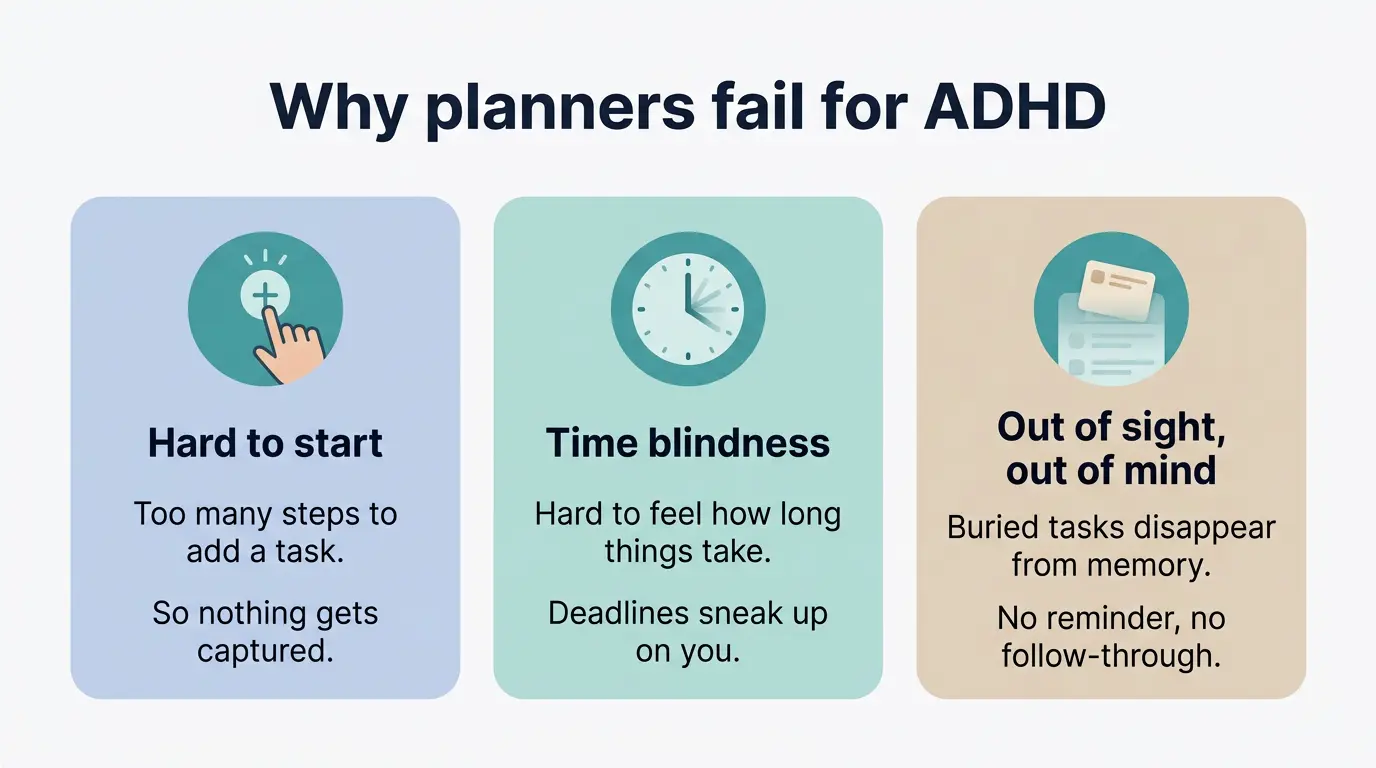
Three traits of ADHD explain why most planners break down.
- Task initiation. Starting is the hardest part. If adding a task takes ten taps and three menus, the task never gets added. Capture has to take a second or two, or it will not happen.
- Time blindness. As the research shows, time estimation is genuinely impaired in ADHD. A list of tasks with no schedule attached gives your brain no external structure. A plan that places tasks into your day does.
- Object permanence for tasks. Out of sight, out of mind. A task buried on page three of a long list stops existing in your head. A good tool surfaces the right task at the right time so you do not have to hold it all in memory.
A planner that fits an ADHD brain needs four things: fast capture, automatic scheduling, visual calm, and forgiving handling of missed tasks.
Why downloading "one more app" is usually a trap
Here is the part most listicles skip. There are hundreds of planning and to-do apps in 2026, and the instinct is to keep hunting for the perfect one. But for an ADHD brain, more choice is often the problem, not the cure.
Too many options creates decision fatigue. And a planner packed with features, color codes, custom views, and settings becomes its own project to manage. Adults with ADHD often say they spend more time setting up and tweaking a system than using it, which turns the app into one more shiny distraction. Search "college planner for adhd reddit" and you will find this exact complaint repeated for years.
The fix is not a more powerful app. It is a simpler one that removes work instead of adding it. The best ADHD planner captures a thought in seconds, plans your day for you, and then gets out of the way. Keep that test in mind for the list below.
What to look for in an ADHD planner
- Low-friction capture. Voice or one-tap entry beats typing. The faster you offload a thought, the more you will use the app.
- Automatic scheduling. The tool should place tasks into your day, not just store them.
- Auto-reschedule. Missed tasks should move forward on their own, without guilt or cleanup.
- Visual calm. A clean screen with few colors and clear priorities.
- Reminders that reach you. Notifications on your phone, where you actually are.
- Externalized memory and time. The app should remember and track time so your brain does not have to.
The 7 best ADHD planner apps for adults in 2026
1. Voiset, best for voice capture and auto-reschedule
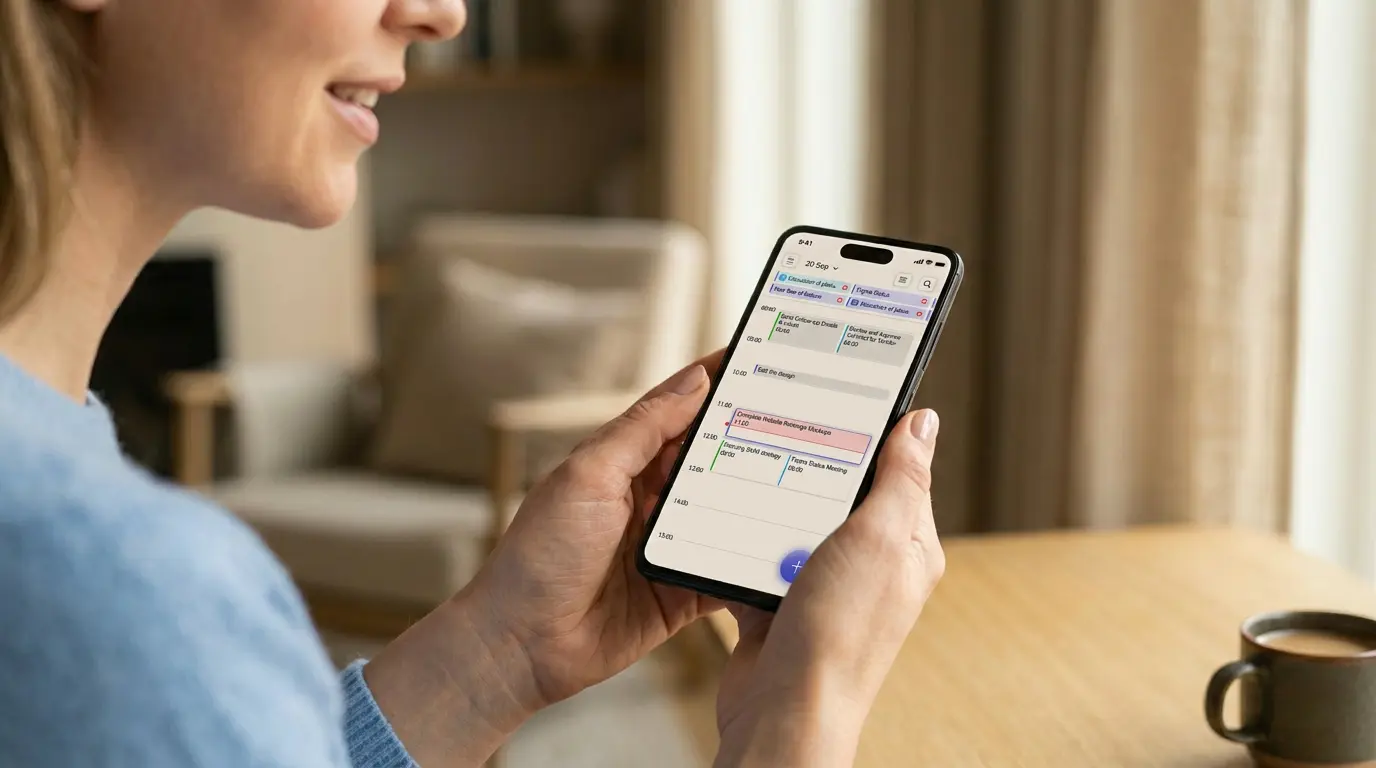
Voiset is an AI task manager built around voice. Instead of typing, you speak. You say "call the dentist tomorrow at noon" and Voiset turns it into a scheduled task with a deadline and a reminder. Speech recognition works in more than 55 languages.
For ADHD, two features stand out. First, voice input removes the task initiation barrier, because capturing a thought takes seconds. Second, automatic planning places every task into a real time slot and quietly reschedules anything you miss, which directly targets time blindness and the overdue-task pileup. The interface is clean and calm, which is why it works well for ADHD-friendly planning.
Voiset runs on iPhone, Android, and the web, and syncs with Google Calendar, Outlook, and Zoom. There is a free trial.
Best for: adults who want to capture by voice and let the app build the day.
2. Tiimo, best visual and neurodivergent-first design
Tiimo was designed with and for neurodivergent people. It uses visual timers, color, and simple icons to make time feel concrete, which speaks straight to the time blindness research. It is more a visual day planner than a full task manager, and it shines for people who think in pictures. Tiimo now includes an AI assistant that accepts voice prompts to help build your schedule.
Best for: visual thinkers who need to see time pass.
3. Inflow, best for building ADHD skills
Inflow is less a planner and more a coaching app based on cognitive behavioral methods. It teaches habits and strategies for managing ADHD over time. Pair it with a real planner, since it is not built to run your daily schedule.
Best for: people who want to understand and manage their ADHD, not just plan.
4. Sunsama, best for daily intention
Sunsama is a calm daily planner that asks you to plan one day at a time. The slow ritual can help some users avoid overwhelm. Sunsama now offers auto-scheduling that places tasks around your calendar events. The daily ritual is still the core experience. A voice assistant called Sunny is available in beta.
Best for: people who like a structured daily ritual.
5. Todoist, best for simplicity
In 2026 Todoist added Ramble, a full voice-to-tasks feature that turns spoken ideas into structured tasks. Task Assist AI suggests scheduling and reschedules overdue items, but does not auto-place tasks into time slots like Voiset or Motion.
Best for: people who want a no-frills list and will add their own structure.
6. Motion, best for heavy auto-scheduling
Motion automatically schedules tasks across your calendar and reshuffles them when things change. The engine is powerful. The trade-offs for ADHD are a steep learning curve and a high price, starting around 19 dollars per month billed annually, with no permanent free plan. For some users it becomes one more complex system to manage.
Best for: people with complex workloads and a budget for it.
7. Google Calendar with extensions, best free baseline
If you already live in Google Calendar, you can stretch it with add-ons and time-blocking habits. It is free and familiar. If your household shares one calendar, our guide on how to create a family schedule in Google Calendar walks you through the setup. But Google Calendar does not capture tasks well or reschedule them, so you carry more of the load yourself.
Best for: people who want a free starting point.
ADHD planner apps compared
How to use a planner with ADHD and actually stick with it
Picking the app is the easy part. Here is how to make it last.
Lower the bar for capture to almost zero. Use voice or a home-screen shortcut so adding a task takes a second. Any friction and an ADHD brain will skip it.
Let the app schedule, not just store. A list is easy to ignore. A plan that puts tasks into your day, like Voiset's auto-planning, gives you a clear next action and the external time structure your brain is missing.
Forgive missed tasks by design. Pick a tool that moves missed items forward automatically. The goal is momentum, not a clean record. Shame is what kills planner habits.
Resist the urge to customize. Do not rebuild your system every week. Choose simple defaults and leave them. Tweaking is procrastination in disguise.
Review once a day, briefly. A two-minute morning check beats a long weekly session you will skip.

