


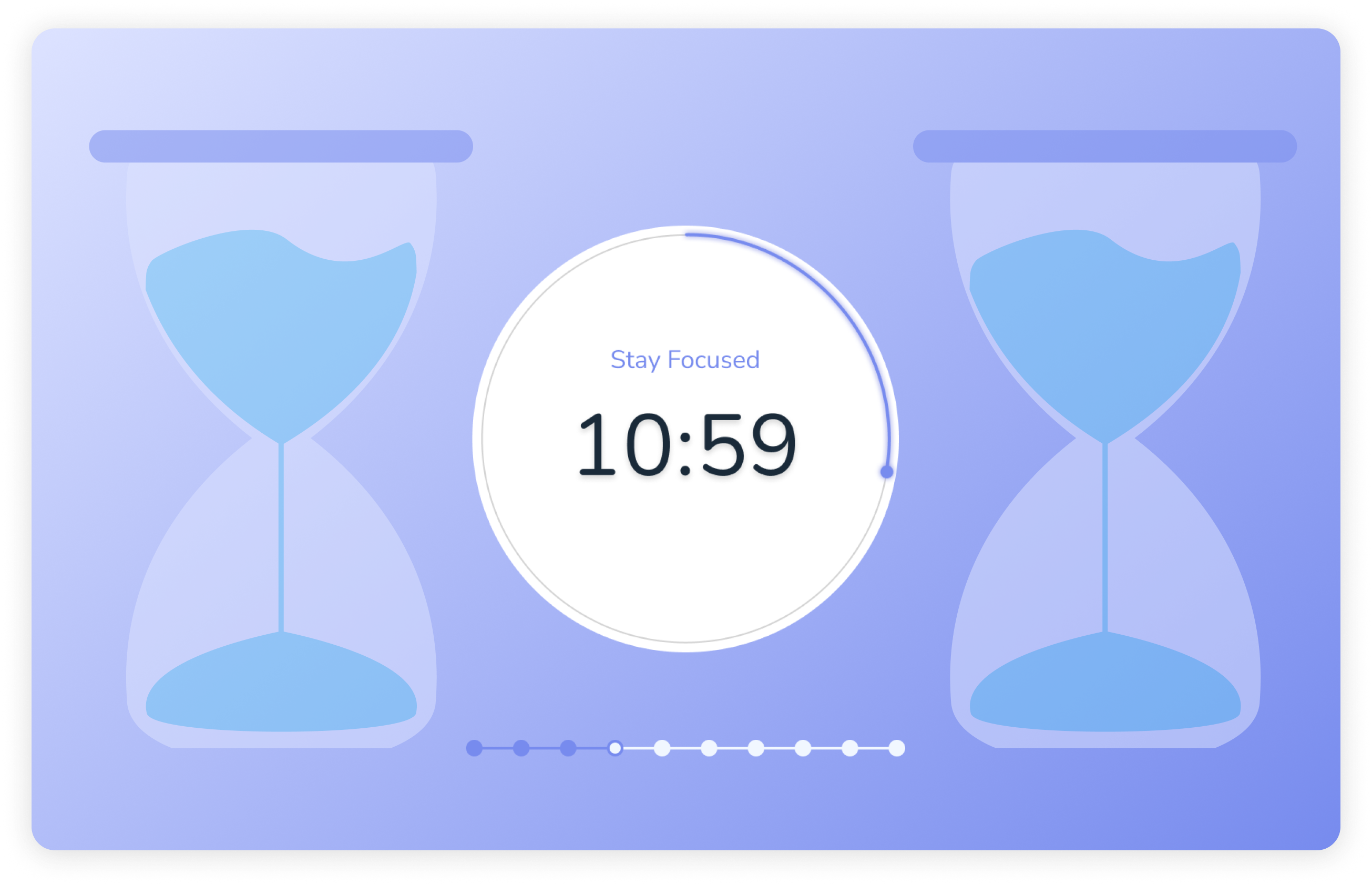
It is impossible to maintain the same high concentration level all the time. If we don't take breaks ourselves, our brains will do it for us. And so we have already discreetly picked up our phone and looked through a selection of the strangest products on Amazon...
The Pomodoro Timer helps make breaks manageable and work intervals productive. Structured work sessions help not only to increase productivity but also to avoid burnout.
How does Pomodoro Timer work in Voiset
The Pomodoro timer in Voiset makes it possible to evaluate your productivity objectively. Planning your workflow becomes easier, and switching between rest and work sessions requires less effort.
Voiset reminds you when a new interval starts with a notification: you don't have to manually set the end and start times of the intervals.
Steps for using the Pomodoro timer in the Voiset mobile app
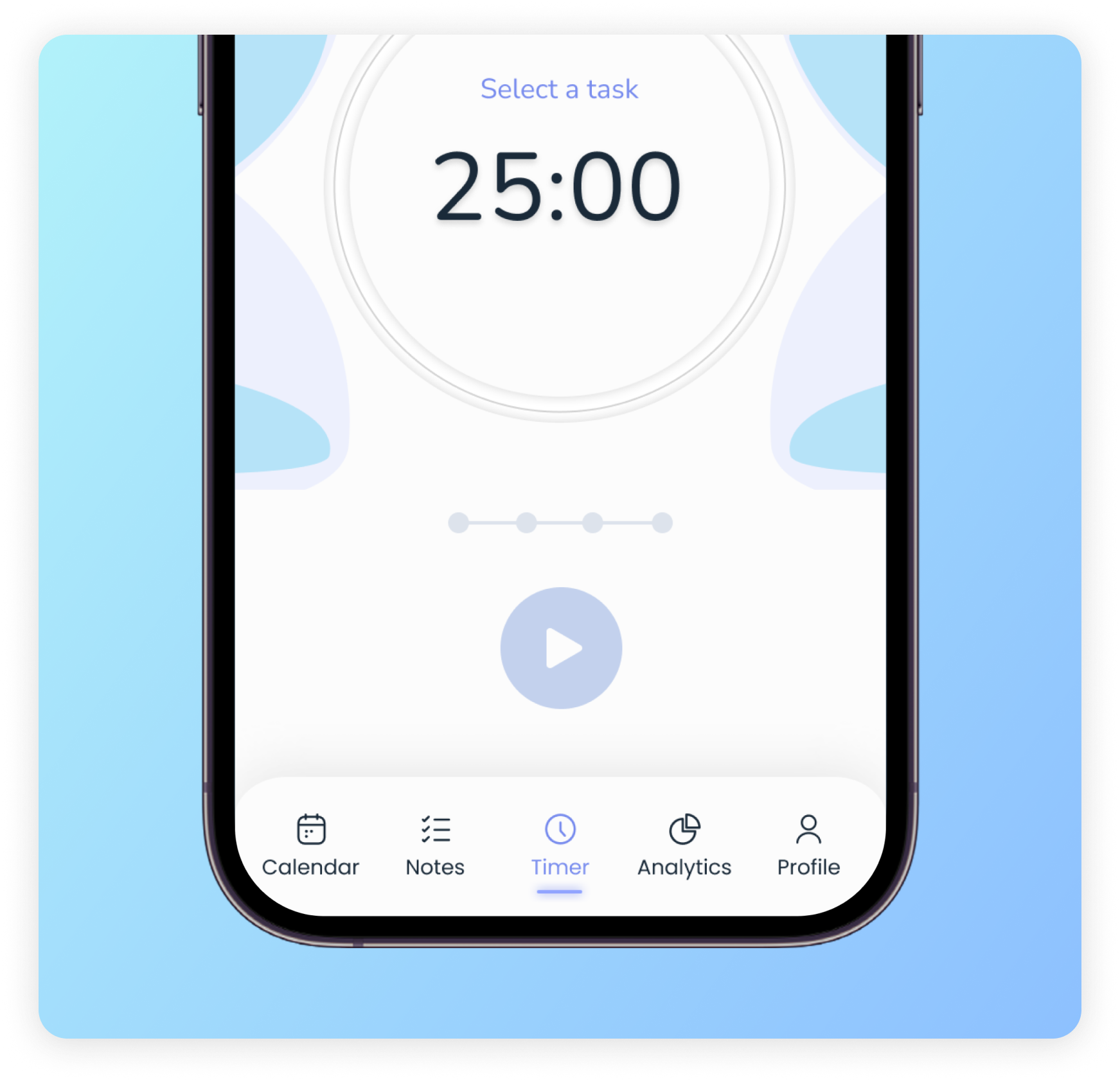
Step 1: Open the app and go to the “Timer” tab.
This section with its intuitive interface will get you started on the Pomodoro timer.
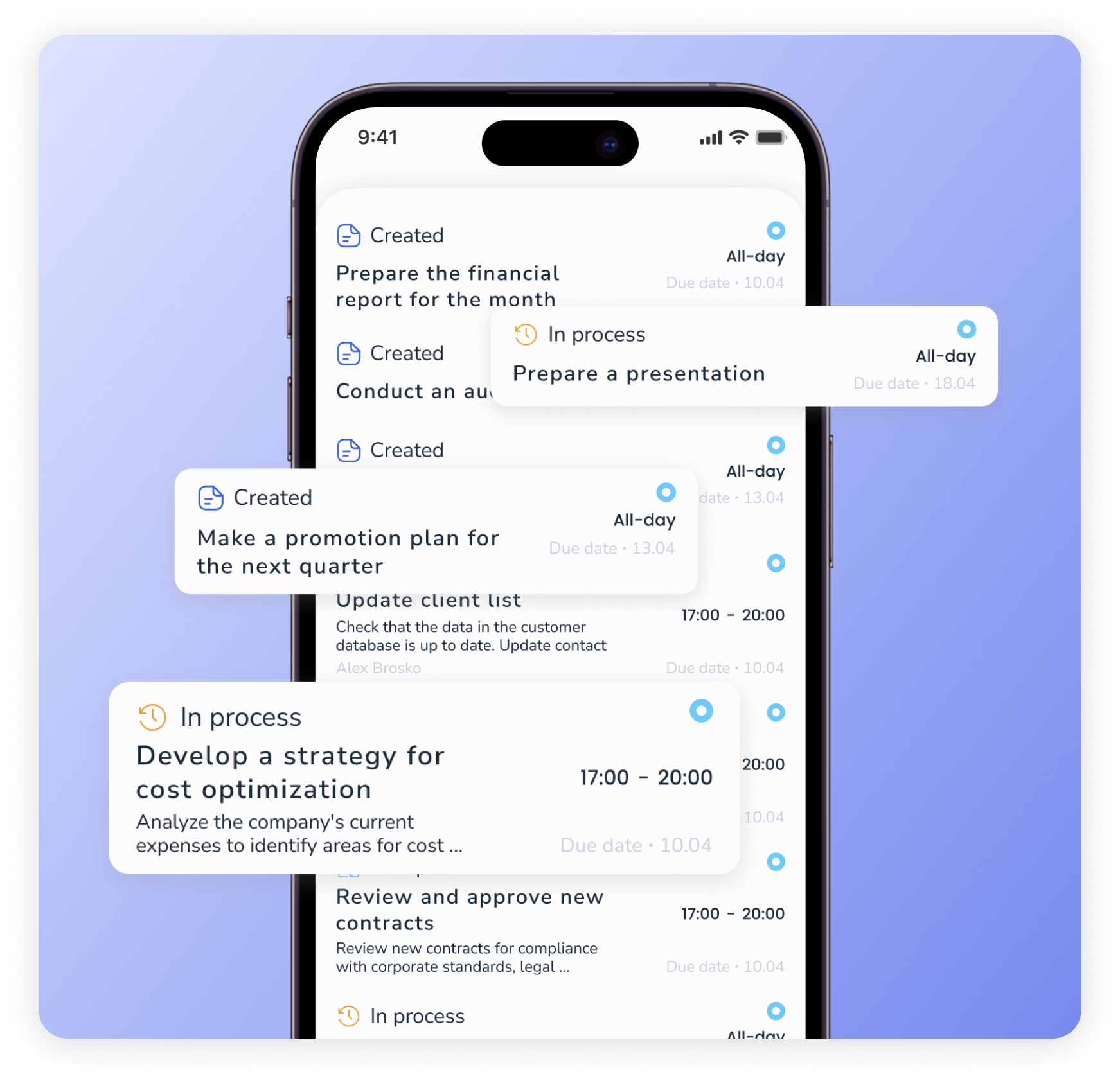
Step 2: Select the task you want to work on
A list of tasks for the day that you have created in advance will open in front of you. If there is no such list, create a new task. The system will automatically assign this task to the nearest slot in the calendar.
Step 3: Set the Pomodoro timer and get started
Press “Start” to begin the work.
The standard interval on the Pomodoro timer is 30 minutes. Of these, 25 minutes are for the working period and 5 minutes for rest.
After four 30-minute intervals, it is recommended that you take a longer rest, for example, 30 minutes.
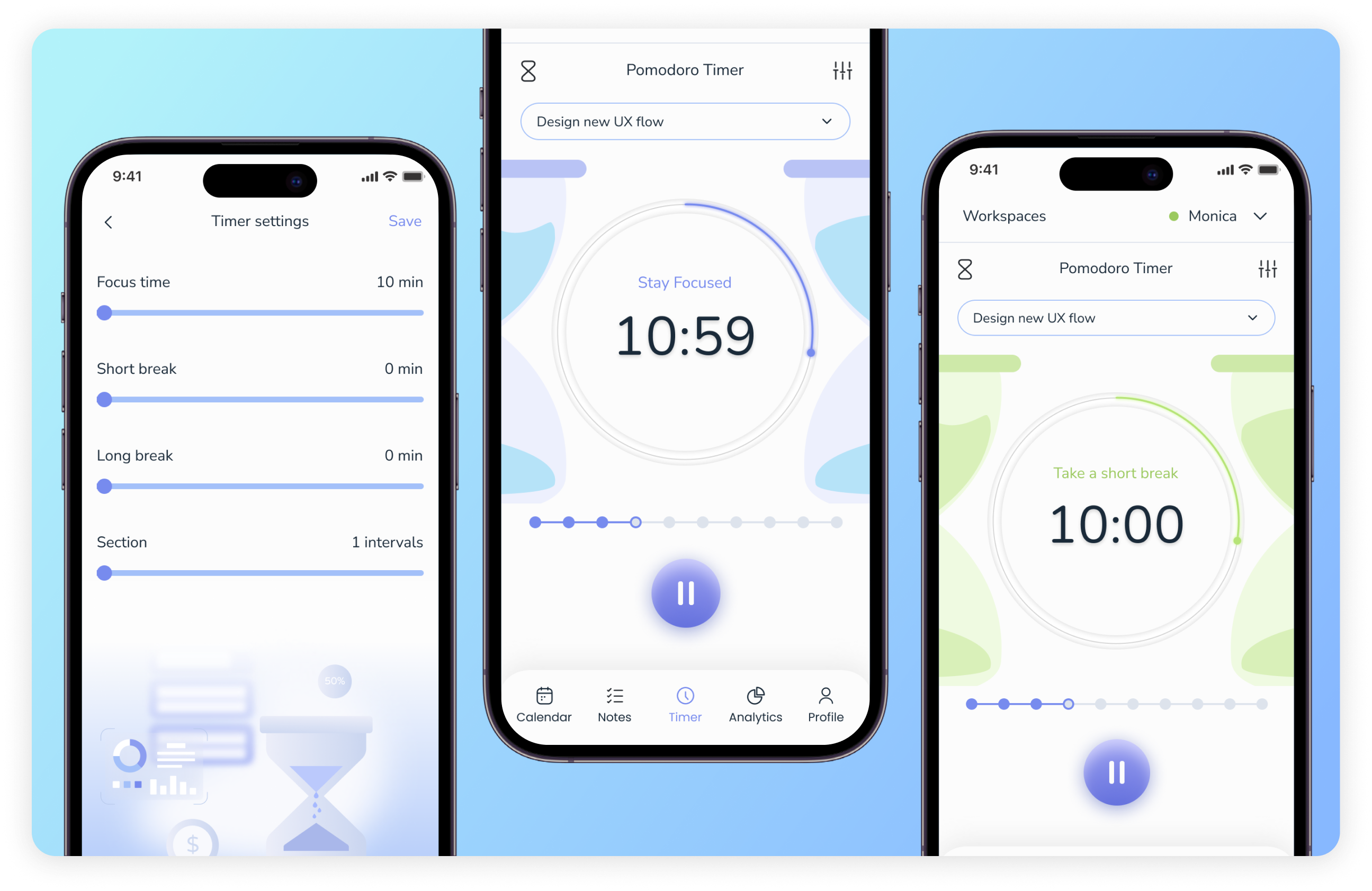
In the Pomodoro timer settings in Voiset, you can adjust the work and rest periods.
When is it worth adjusting the default settings of the Pomodoro timer?
1. If you have a job that requires extreme concentration.
In this case, it is better to increase the time period of work, for example, to 50 minutes with a break of 10 minutes. This approach is relevant for writers, programmers, etc.
2. If you have to perform tasks that do not require special efforts.
For example, you want to clean your mail from spam, stick stamps on envelopes, etc. In this case, you can reduce the intervals to 20 minutes and the rest between them to two minutes;
3. If you have difficulty concentrating.
So, for ADHD, it is recommended to increase work intervals. The logic is simple: if you are easily distracted and at the beginning of each work period make a huge effort just to get started - reduce the number of work intervals by increasing their time.
Make the work intervals 50 minutes each, not 25. At the same time, don't stretch your rest periods so far that you forget about your current work tasks.
4. If you know which segments work best for you.
Many users of the Pomodoro timer experience the maximum number of timed segments and their duration.
Important! Voiset will track how long it takes to complete each task, and with this information, you can find the optimal time intervals for you.
Use convenient notifications and auto-scheduling with Voiset
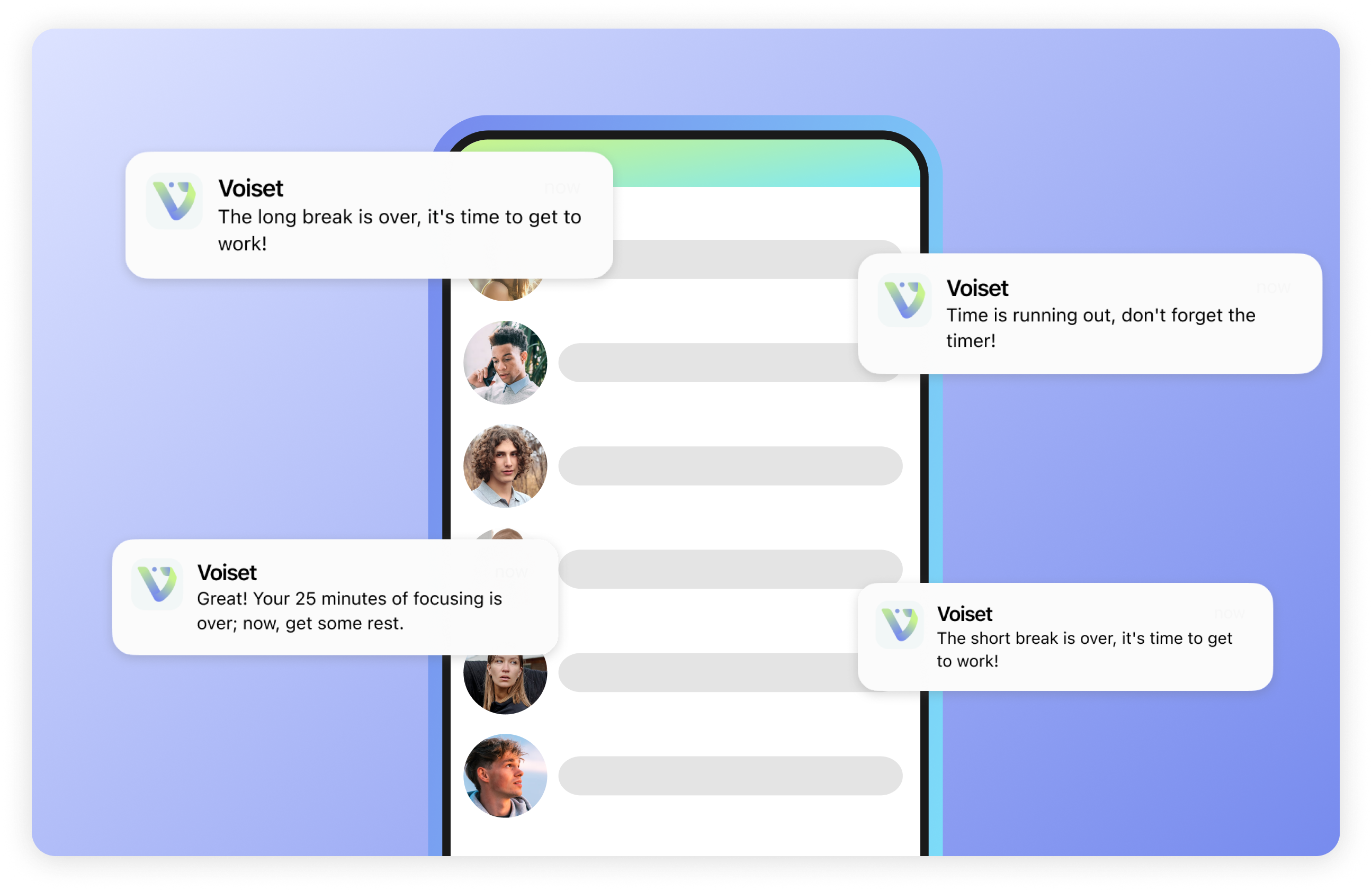
Simplify your Pomodoro timer work with Push notifications
Voiset will send you notifications for each time slot. You won't miss the start time of your work period or your rest time!
Automatically customizable notifications
You don't need to customize when you receive notifications. Voiset automatically calculates the end and start times of the time segments you set.
Benefits of using Voiset for Pomodoro time tracking
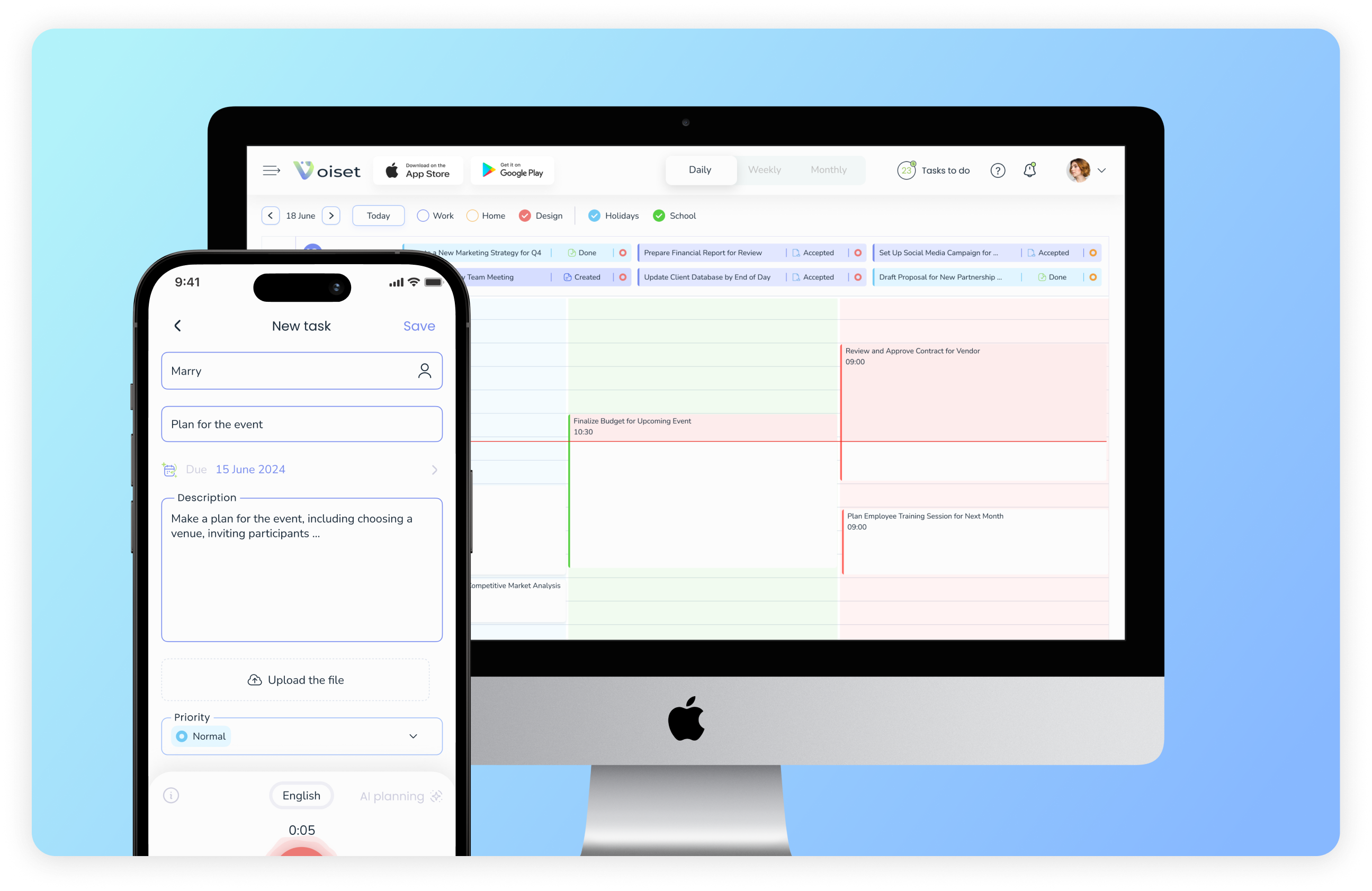
1. Manage tasks on the go
Got a new task? Dictate it to Voiset. Having trouble deciding when is the best time to complete a task? AI will find the best time for it in your schedule. On X day - open the Pomodoro timer and be on top of your game!
2. Analyze your productivity
Analyze how long it takes you to complete various tasks using Voiset stats. Find your personal maximized productivity in Pomodoro! Save time by maximizing your tasks!
3. No more skipping intervals
Get reminders for every interval: don't forget your breaks, don't procrastinate!
4. Less switching
All your work in one place. Voiset displays tasks, calendars, appointments, timers - everything you need to be more productive!
5. Succeed more!
Get all the benefits of using time management and the Pomodoro method, complemented by the pluses of AI.
Structure your work sessions, strictly follow the plan and experience your hidden potential with the Pomodoro Timer in Voiset!
The Pomodoro timer in Voiset is no longer just a time-tracking tool. You get a smart, powerful assistant that makes it so easy to balance work and rest.
Combine time tracking, auto-scheduling and reminders and Voiset will help you reach new levels of productivity!

